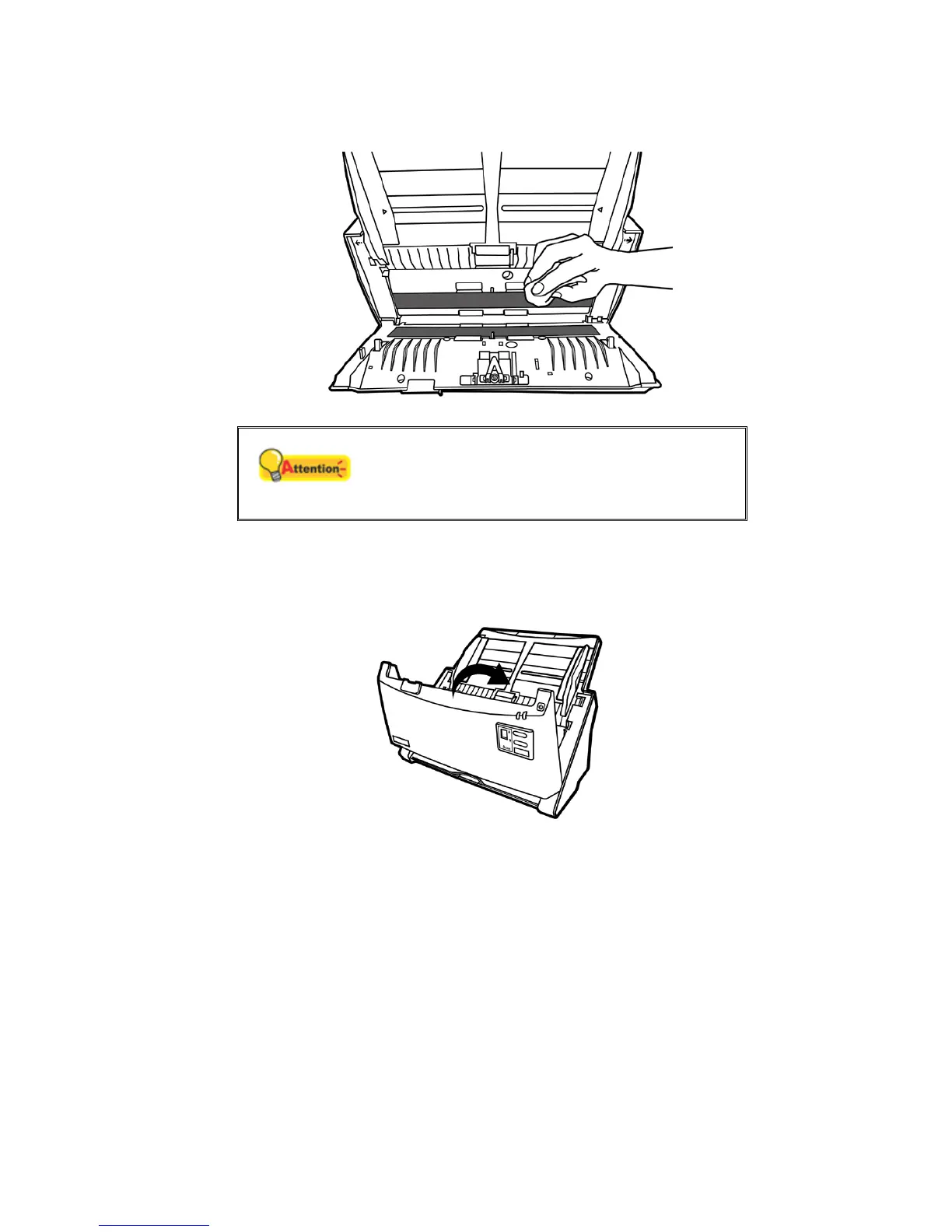
Clean ADF Glass:
Attention
Do not spray cleaner directly onto the scanner
glass. Excess liquid residue may fog or damage
the scanner.
3. Wait for cleaned areas to dry completely.
4. Close the ADF cover by pushing it back down until it snaps back into place.
REPLACING CONSUMABLES
As a guideline, it is recommended to replace the pad module every 50000 sheets
of scans (A4, 70 g/m2 or 18 lb.), and it is recommended to replace the feed roller every
300000 sheets of scans (A4, 70 g/m2 or 18 lb.). The Counter Utility program
automatically counts the number of sheets scanned by your scanner and how many
times the consumables are used. From the Windows START menu, point to All
Programs > Your Scanner Model Name, and then click Counter Utility. Refer to the
online help of Counter Utility to explorer more about Counter Utility.
31












 To Next Page