CALIBRATING THE SCANNER
Calibrate the scanner if colors appear in areas that should be white, or colors of the
scanned image and the original vary a lot. This allows you to adjust and compensate
for variations that can occur in the optical component over time by its nature.
The following describes how to calibrate the scanner:
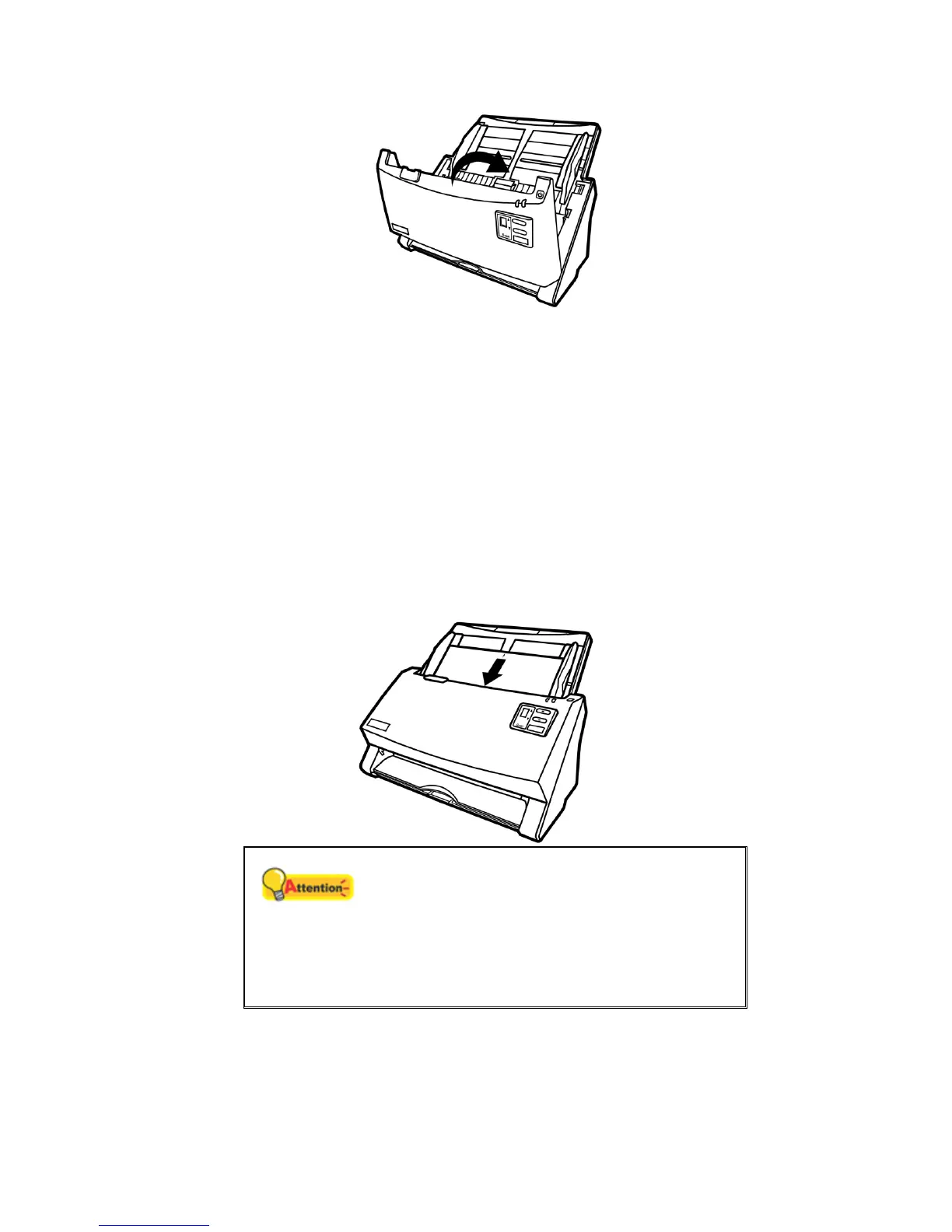
1. The Calibration Sheet, marked with an arrow on either edge at both sides, is
used specially for ADF Scanning calibration.
2. Insert the special calibration sheet into the ADF of the scanner, with an arrow
toward the scanner buttons.
Attention
Please insert the special calibration sheet
included with the scanner. Alternatively you may
also use any plain white sheet of paper sized in
A4 (216 by 297 mm) instead; however, the
calibration effect may be less good than the
special calibration sheet.
3. Click Start > All Programs > Your scanner model name > Calibration
Wizard.
4. Click Next from the Calibration Wizard that pops up and then click Calibrate
Now....
36












 To Next Page