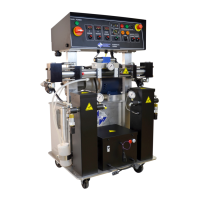
PH-20/PHX-20 Manual
22
DIGITAL TEMPERATURE CONTROLLER
The PH-20/PHX-20 Series has three (3) Digital Temperature Controllers to manage the temperatures for the
Primary Heaters and the Heated Hose. The Hose Heater Controller is programmed different from the
heater Controllers and therefore not interchangeable with them.
WARNING! Do not turn the Temperature Controllers ON until the Proportioner Purging procedure
is complete and the Primary Heaters and Heated Hoses are filled with material.
1. Ensure Main Power [P, page 12] and Control Power [R, page 12] is ON.
2. Press and release or button. The display will flash and indicate its current set point.
3. Press and hold the or to increase or decrease the material temperature set-point to the
desired value as determined by the material supplier or application conditions.
4. Once the set point is entered the controller will go back to ambient temperature on its own.(5-8 seconds)
WARNING! The Controllers are factory programmed and are not field re-
programmable. If a problem is encountered, contact PMC Technical Service.
Do not attempt to change any of the programmed parameters. Do not
substitute a Controller from an alternate supplier as its use may result in
equipment damage and/or bodily injury.
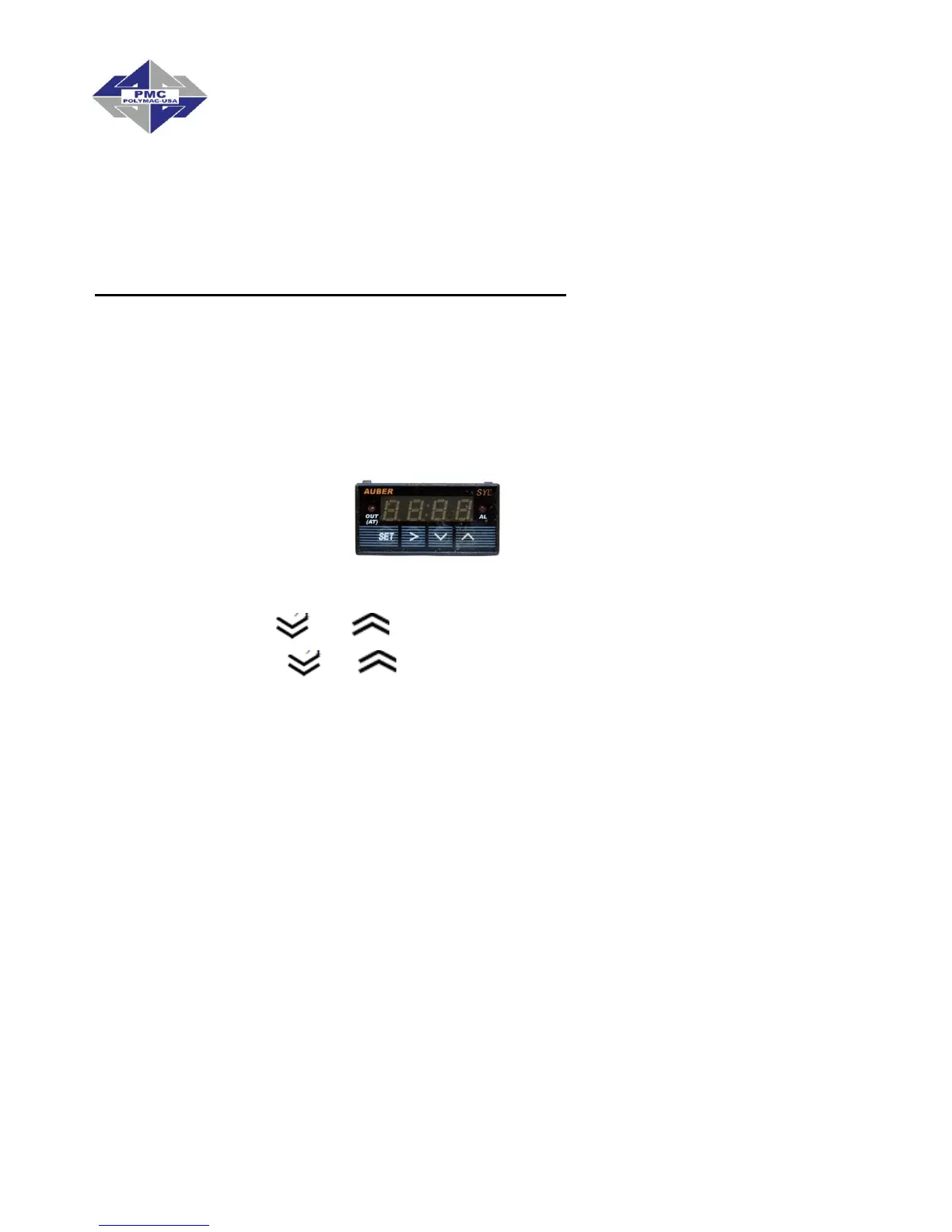
NOTE! The Temperature Controller normally displays the actual material
temperature. When lit, the red “OUT” display in the upper left indicates power
is being sent to the Heater. The “OUT” display goes out when the material
temperature has reached its set-point. The “OUT” display will continue to
cycle on and off indicating the Controller is maintaining the material
temperature set-point.


 To Next Page