complete the job safely. Please take the time to read Safety Issues, page 9, before
installing the Scanner.
There are two things to connect when installing the Scanner:
1. the line cord
2. the voltage leads.
Installation of the modem cable of course depends on whether your Scanner is equipped
with these items. In any case, please read through the next three sections before
installing your Scanner. Disconnect the line cord until the installation is complete.
Also, you want to connect line cord last, as this will start the two minute countdown for
recording.
A. The Line cord
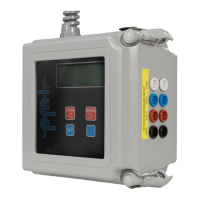
Your Scanner is equipped with a line cord, connect the cord from the Scanner (on top
of the Scanner housing) to a standard 120vac outlet.
C. The voltage leads
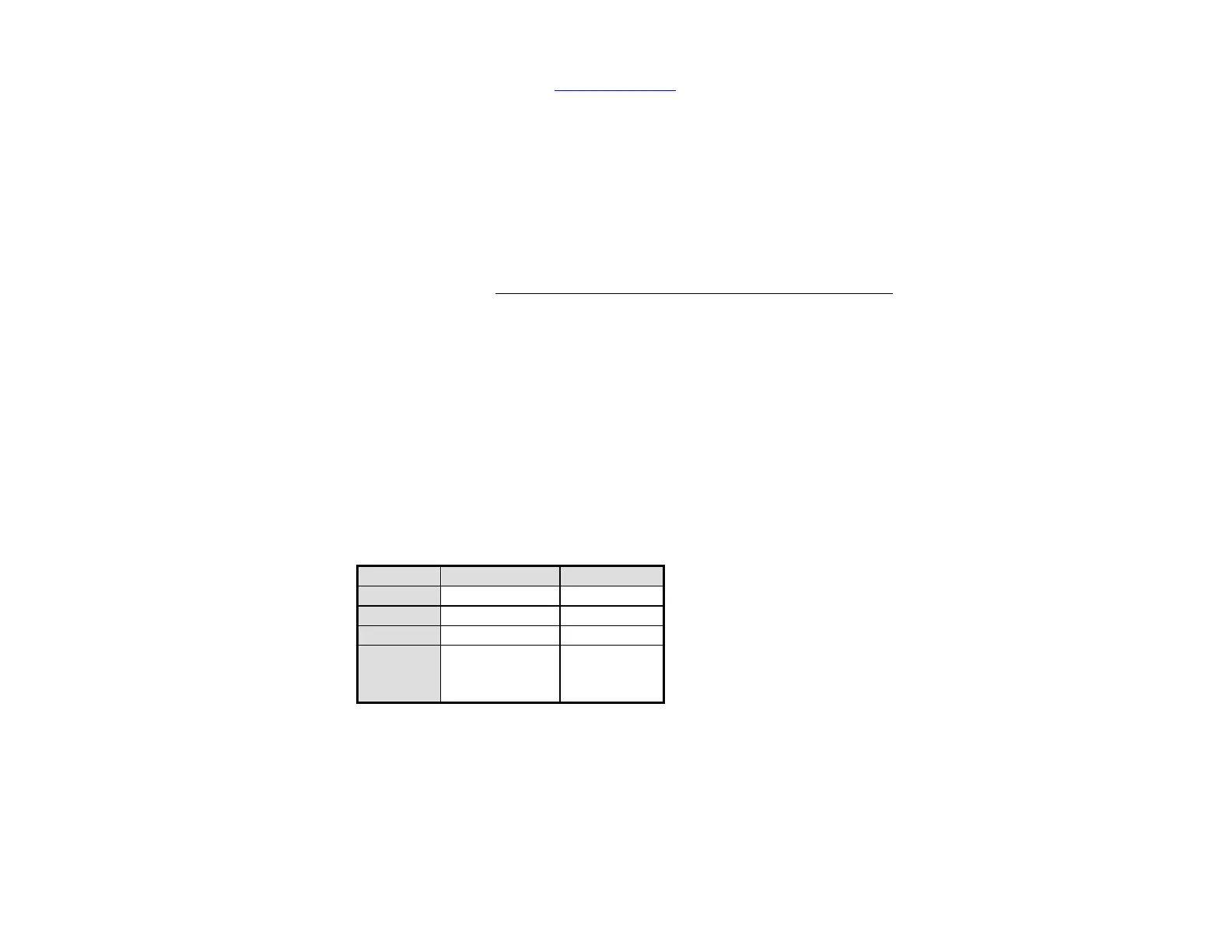
The Scanner can monitor voltage on up to four channels. Banana jacks are provided for
each channel. These jacks are color-coded as follows:
Table 2-2: Voltage jack color coding
You will need male banana plugs that are not supplied with the unit. These types of
plugs are readily available at such stores as Radio Shack (part numbers 278-321 or 278-
307). You will need to attach leads to the plugs. There is no limit on conductor lengths
for our inputs.


 To Next Page