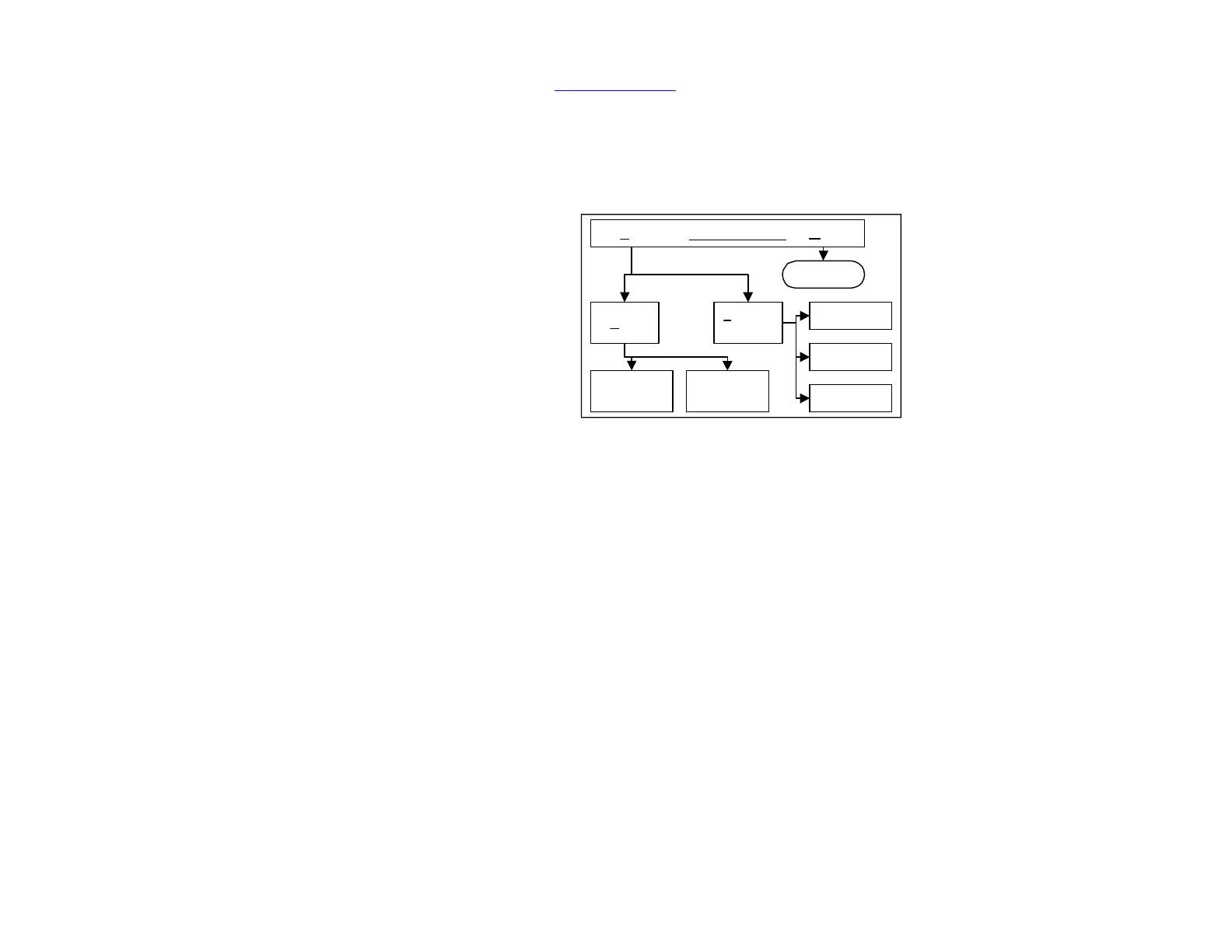
An outline of WinScan™ Chapter 4
4.1 RETRIEVING DATA
FROM THE SCANNER
After your Scanner has finished
collecting data, you need to
download the data in order to
analyze it on your computer. This
process can be accomplished either
over phone lines (if your Scanner
and computer have modems) or via
a serial cable. As the data is
downloaded, your computer will
save it in a file which can later be
Figure4-1: Software outline
opened and analyzed. Please refer to the WinScan™ Manual for instructions.
Figure 4-1 illustrates the basic structure of WinScan™. As you can see, the main menu
option HELP leads to information on the program, while the option FILE leads to
operations involving the Scanner, the data it collects, and the tools needed to interpret
that data.
The most useful options in the FILE menu are SCANNER CONTROL and LOAD.
As shown in the diagram, SCANNER CONTROL leads to options which adjust settings on
the Scanner and computer. These options regulate the collection and retrieval of data by
the Scanner.
The other important option, LOAD, is the gateway to creating, viewing and printing
WinScan™ graphs and reports.
Familiarize yourself with all the operations of WinScan™ as described in this manual
before attempting to use your Scanner. After you are familiar with WinScan™, use the
Quick Guide, in the WinScan™ Manual, as a reminder of the steps required for certain
operations. For your own protection, please take the time to read Safety Issues, before
installing or operating the Scanner.


 To Next Page