User Manual PocketBook 360° Plus
FW: E360plus.15.4
Prestarting procedure
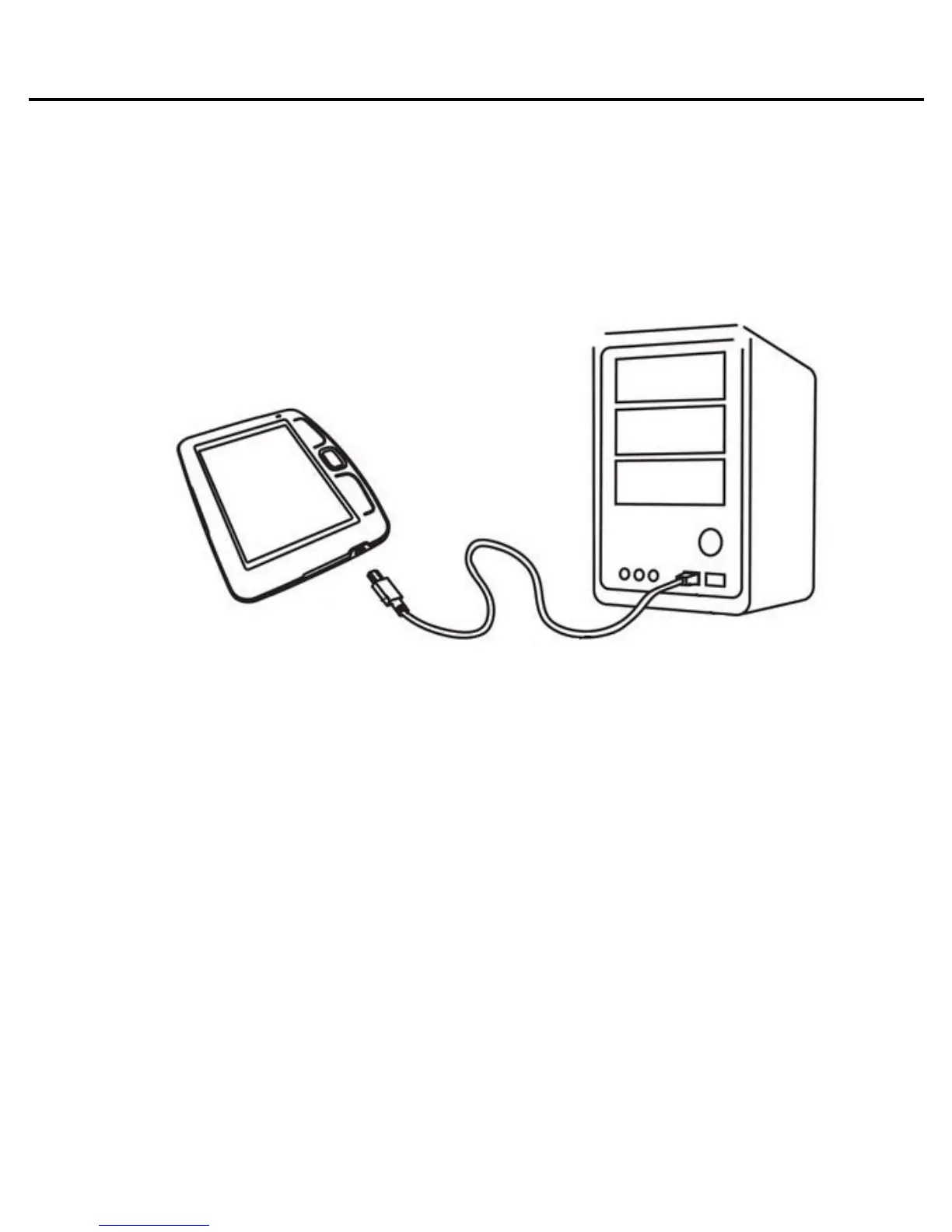
Charge the device, having connected it by USB-cable to
the computer or charging device (optional).
To switch the device hold button “On/Off” for one second.
The indicator light will glow green when the device is
switched on.
Please note! It is recommended to charge the battery for 8-
12 hours before first use, to extend its lifetime.















 To Next Page