User Manual PocketBook 360° Plus
FW: E360plus.15.4
Rebooting the device
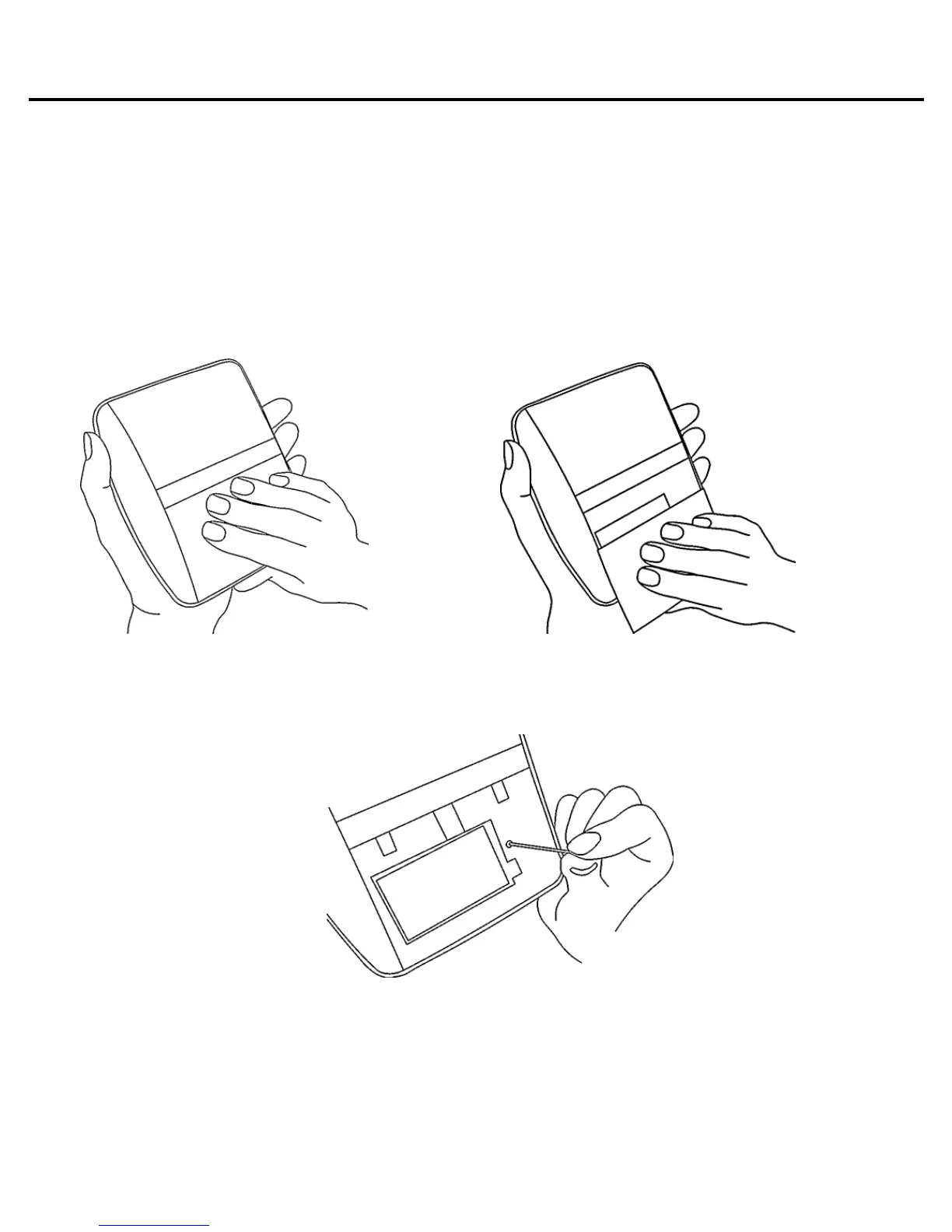
To rebooting PocketBook 360° Plus, take it in one hand
with its screen facing down while pressing down on the lower
part of its body and pulling it with the other hand, as shown in
the Figure.
Take off the cover and press the recessed RESET key with
some thin item, e.g. a straightened paper clip.















 To Next Page