User Manual PocketBook 360° Plus
FW: E360plus.15.4
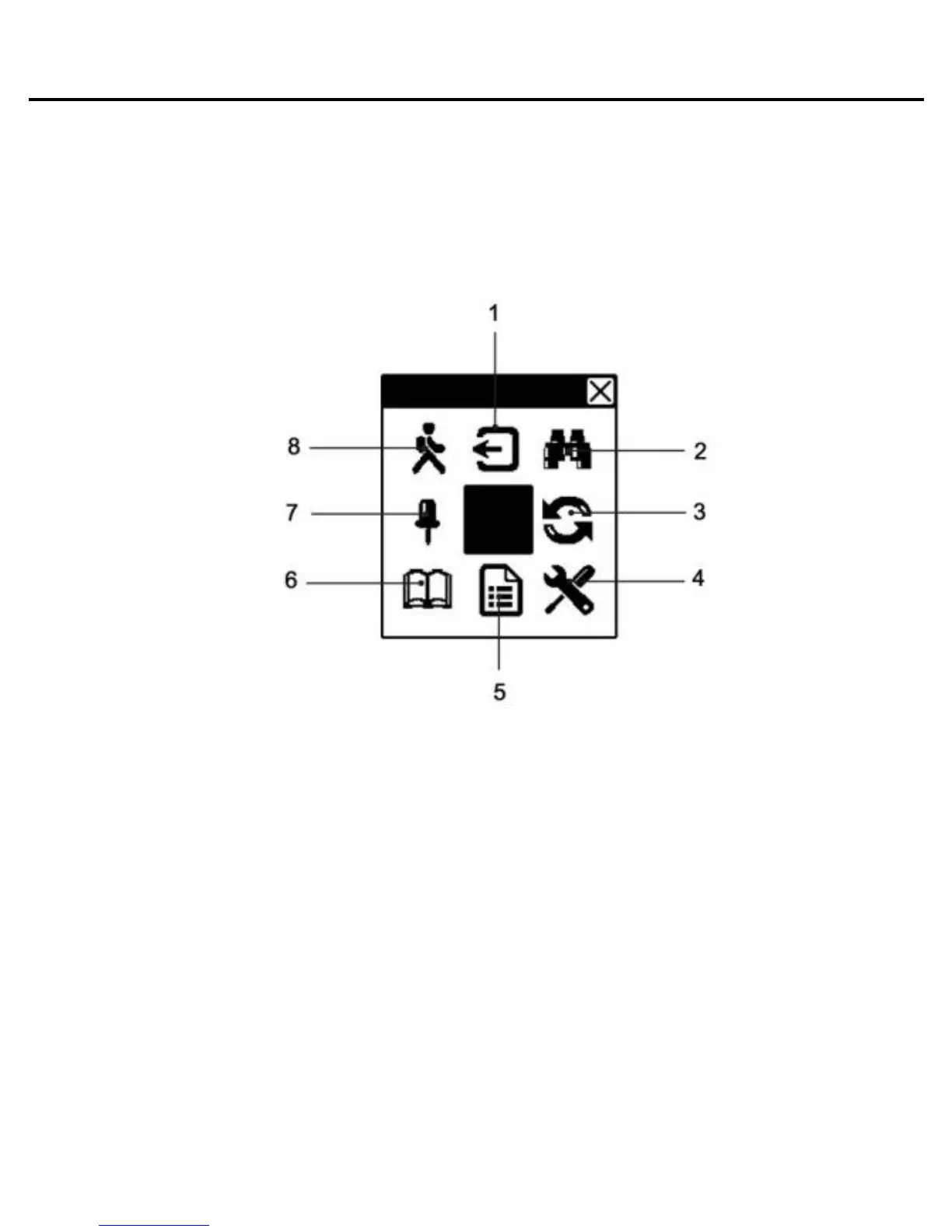
Fast access menu
Press “OK” button in book reading mode to call the menu.
The following items are accessible:
Note: Quick access menu options depend on firmware
version PocketBook 360° Plus.
1. Exit from Quick menu
2. Search
You can quick search a desired word or part of a word in
the text. A key-board to enter the desired word will pop up
on the display (see in a section “keyboard operating”). After
you have entered the desired word, “Search” mode will
start, and the “Searching” icon will flash in the lower right
corner of the display. Use the “Right” and “Left” buttons to
move accordingly (back/forward) on the found words. The















 To Next Page