User Manual PocketBook 360° Plus
FW: E360plus.15.4
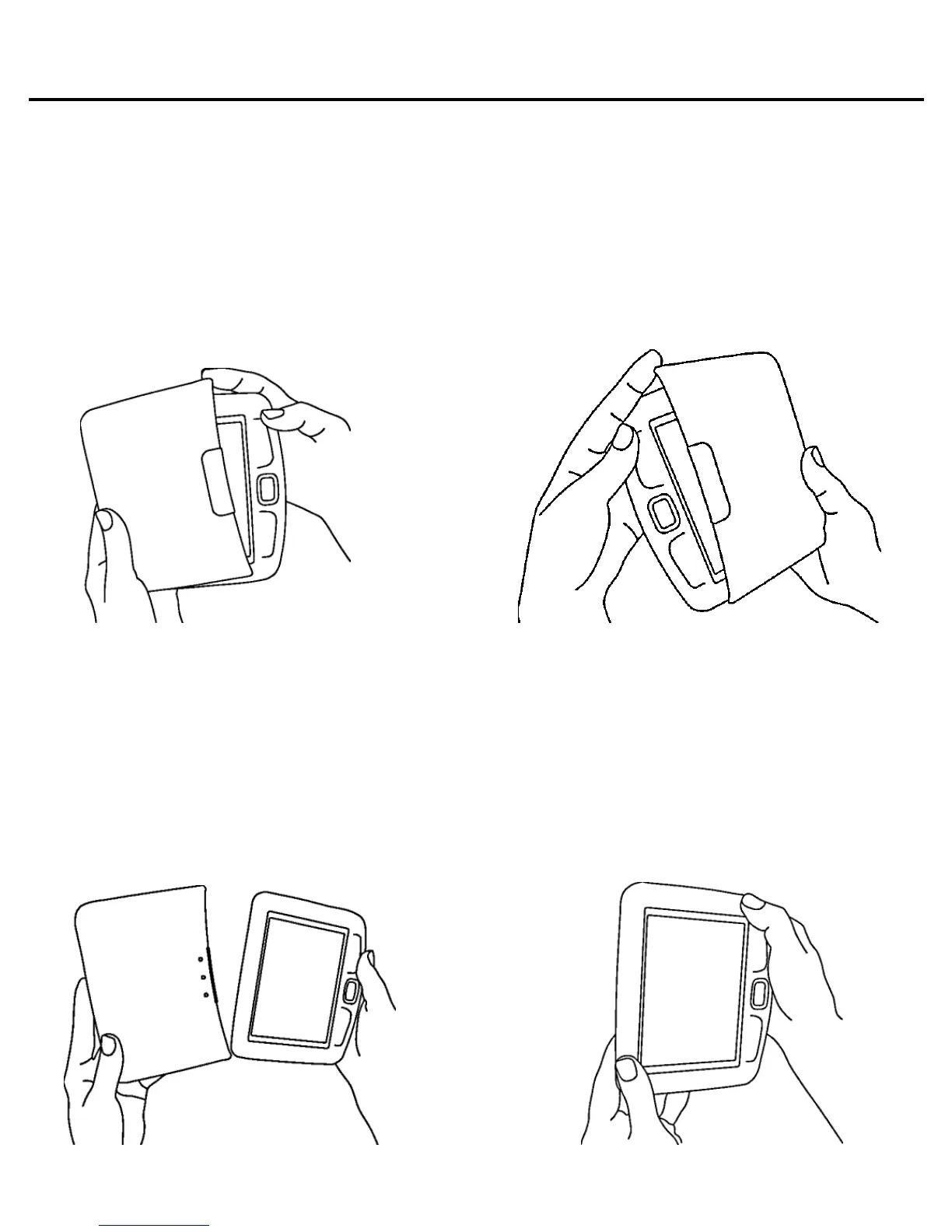
Using the Protective Cover
To open the protective cover, grasp PocketBook 360° Plus
with both hands and pull by the special projections on the
cover from below and from above.
To lock the protective cover, grasp PocketBook 360° Plus
in one hand, while holding the protective cover in the other
hand, and set the protective cover with its internal surface
against the device. Then, press down until it clicks slightly.
To unfasten the protective cover, use the projections -
pushing on one of the projections.















 To Next Page