User Manual PocketBook 360° Plus
FW: E360plus.15.4
E-books reading
This device allows you to read books in FB2, FB2.zip, TXT,
PDF, RTF, HTML, PRC, CHM, DJVU, DOC, EPUB, DOCX and
TCR formats.
Storing the books into the device
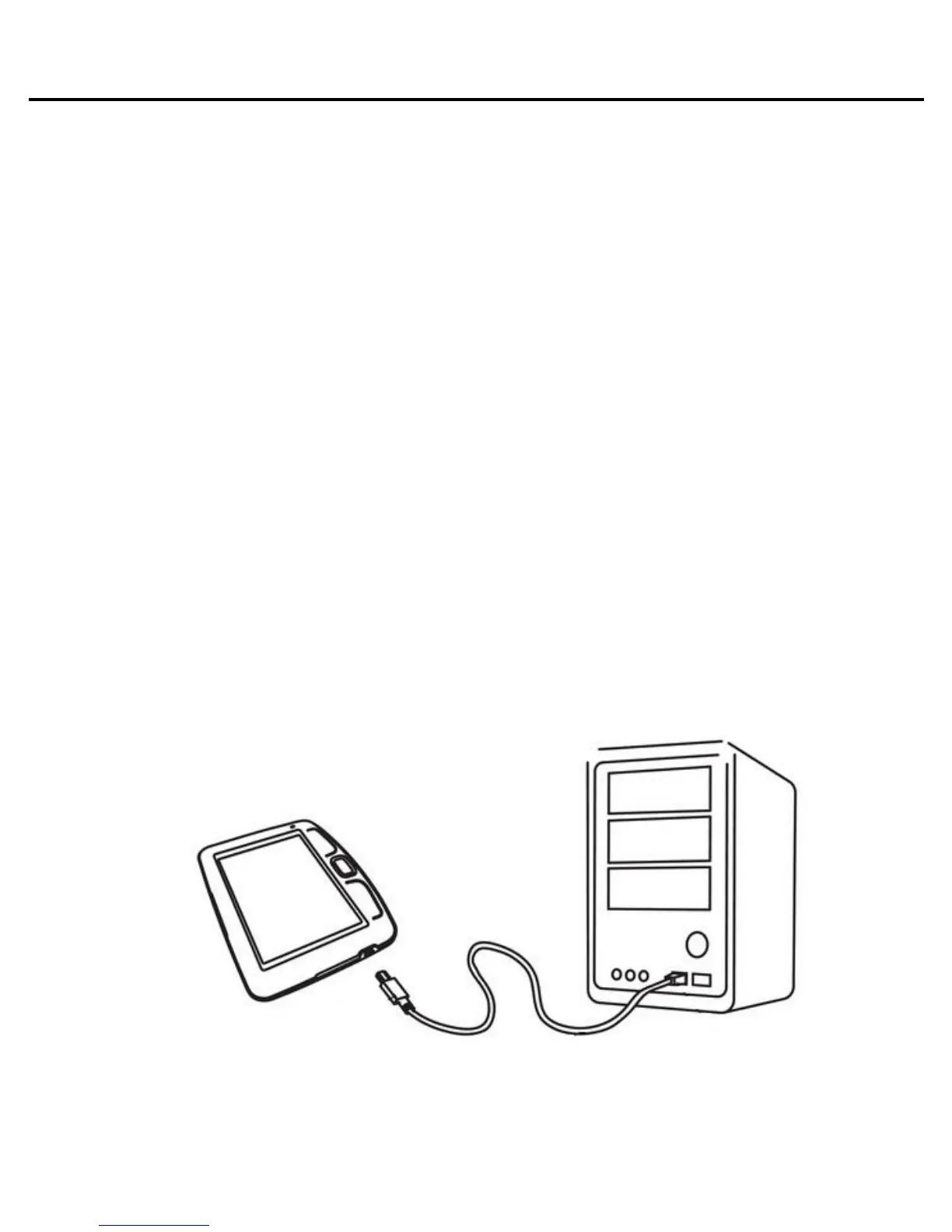
Connect the device to the computer using a USB-cable.
The internal memory of the device and the MicroSD-card will
appear in the computer like two separate removable disks.
Using Windows Explorer or another file manager copy
books to the selected folder in the device or MicroSD card.
Warning! Device can be unrecognized by computer if
‘Charging’ is set in section Settings > Communication >
USB Mode.
Attention! Do not disconnect the device from the computer
before file copying has been completed, it can result in















 To Next Page