User Manual PocketBook 360° Plus
FW: E360plus.15.4
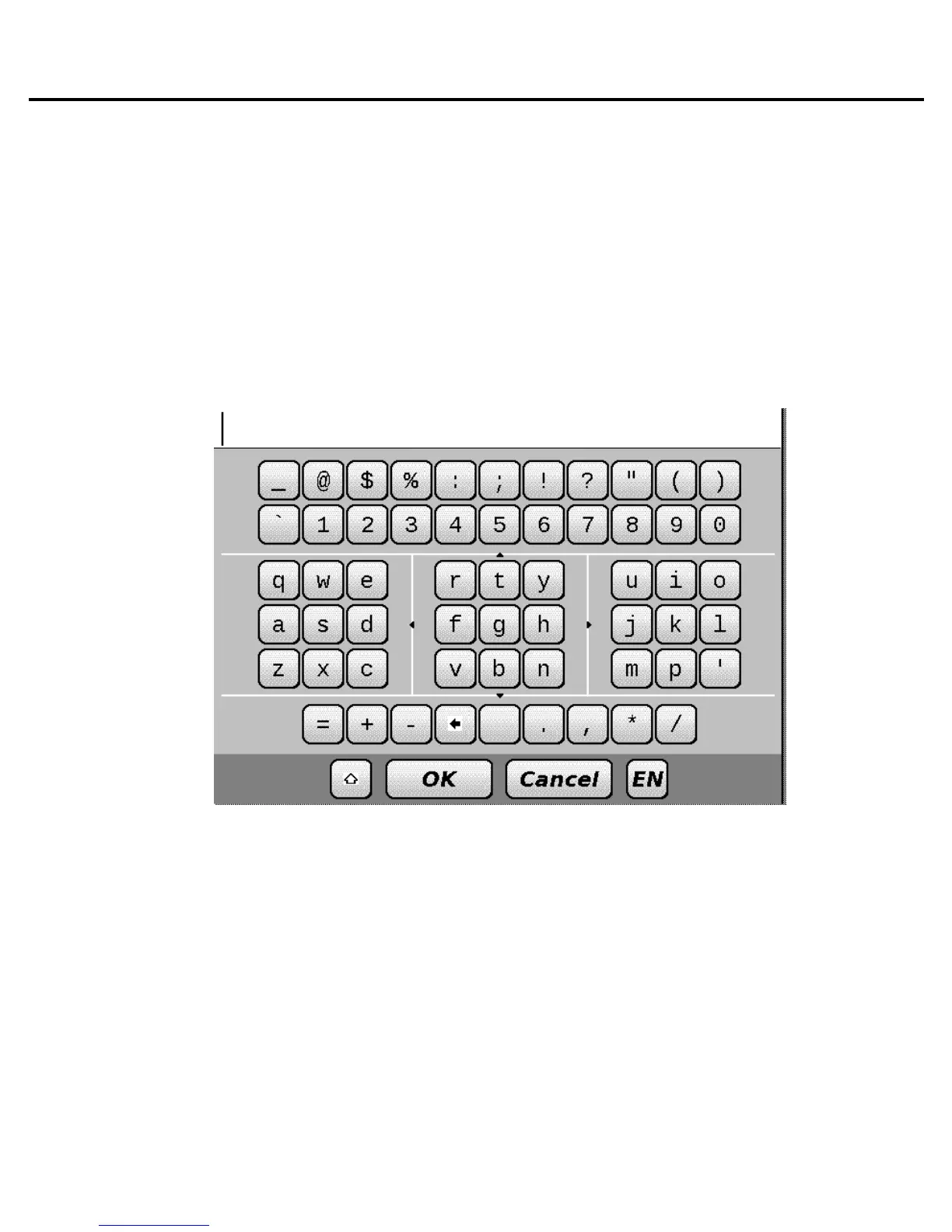
Keyboard operating
To navigate through the keyboard use the ‘Up’, ‘Down’,
‘Left’, ‘Right’ and ‘OK’ buttons. To speed up keyboard
operations all symbols are subdivided into 5 zones. First
pressing enables fast transfer to the middle of the selected
zone, then you can select the required symbol in this zone.
To switch keyboard language use the language button (for
example, ‘RU’, ‘EN’), located in the bottom panel to the right. In
the keyboard mode, pressing of the upper paging button is
similar to pressing the ‘OK’ button of the keyboard, long
pressing of the ‘Left’ button erases last entered symbol, long
pressing of the ‘Up’ button erases the whole entered text. You
can only switch to those on-screen keyboard languages which
have been set up in keyboard settings.















 To Next Page