6
Repair Manual Addendum Disassembly/Reassembly
• Gently push down on the small flat screwdriver and then up to release its plastic locking
tab being careful not to scratch or damage the gear side pivot pin.
• Lift off the gear side pivot pin.
• Repeat this procedure to release and remove the non-gear side pivot pin.
Figure 2-1. Removing strobe cover pivot pins (gear/non-gear side)
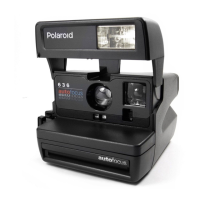
2. Open the 636 restyle camera to its picture taking position (Figure 2-2) by gently lifting up the
lower housing until its plastic hinge supports (gear/non-gear side) lock it into its picture
taking position.
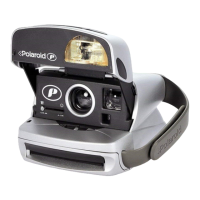
Figure 2-2. 636 restyle camera in its picture taking position
Strobe Cover636 Restyle
Camera
Pivot Pin
(Gear Side)
Lower Housing
Hinge Support
(Non-Gear Side)
Hinge Support
(Gear Side)

 To Next Page
 Loading...