69
FM RADIO STORAGE AND DELETE
FM radio storage
UnderFMWfrequencymode,press[
]+[ ],thechannelnumberforstorage
blinksatthelefttopoffrequency.
Rotatetheknoborusenumberkeytoselectthedesiredchannelnumber,press[
]
toconrm.
Mode selection
UnderFMWradio mode,press[
]toswitch between FMW memory modeand
FMWfrequencymode(thisfunctionisunavailablewhenthereisnotFMWmemory
channel)
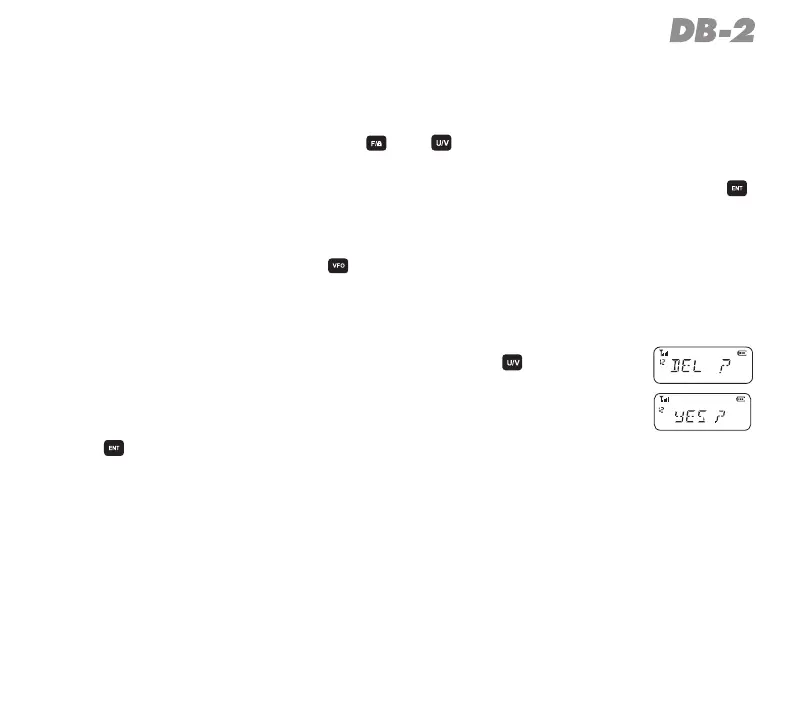
FM radio channel delete
UnderFMWmemorymode,turnofftheradio,press[
]toturnon
theradio,youwillsee“DEL?”inthescreenandthechannelnum-
berblinks.
Rotatetheknobtochoosethechannelnumberyouwanttodelete,
press [
] to conrm. Repeat this operation, you can delete all
memorychannel,25inmaximum.



 To Next Page