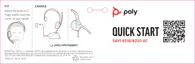
You can set up a conference call with 3 additional headsets.
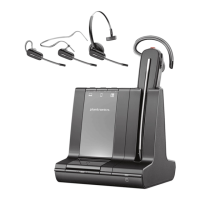
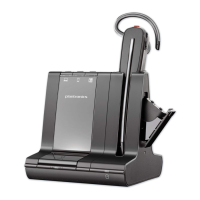
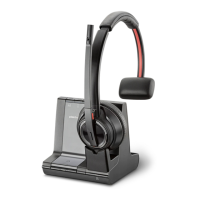
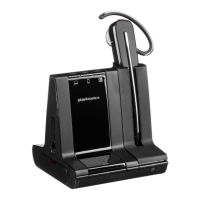
Join Savi headsets manually
1 While on a call, press the USB adapter's recessed subscription button with a pen or paper
clip.
The adapter subscription LED flashes red and blue.
1 On guest headset, press and hold the Volume up button or turn the Volume wheel up until
the headset LED lights up. Method varies by model.
1 The primary user will hear "Conference requested." To accept the request, press the
primary user's headset Call button. Both users hear "Conference accepted." View
conference call status by going to Poly Lens Desktop App.
Exit a conference call
1 Guest headsets can remain as guests through multiple calls. To remove a guest headset,
either press the guest headset's Call button or dock the primary user's headset in the
charge cradle.
Set up a conference
call
11



 To Next Page