Optimize the comfort and t of your headset.
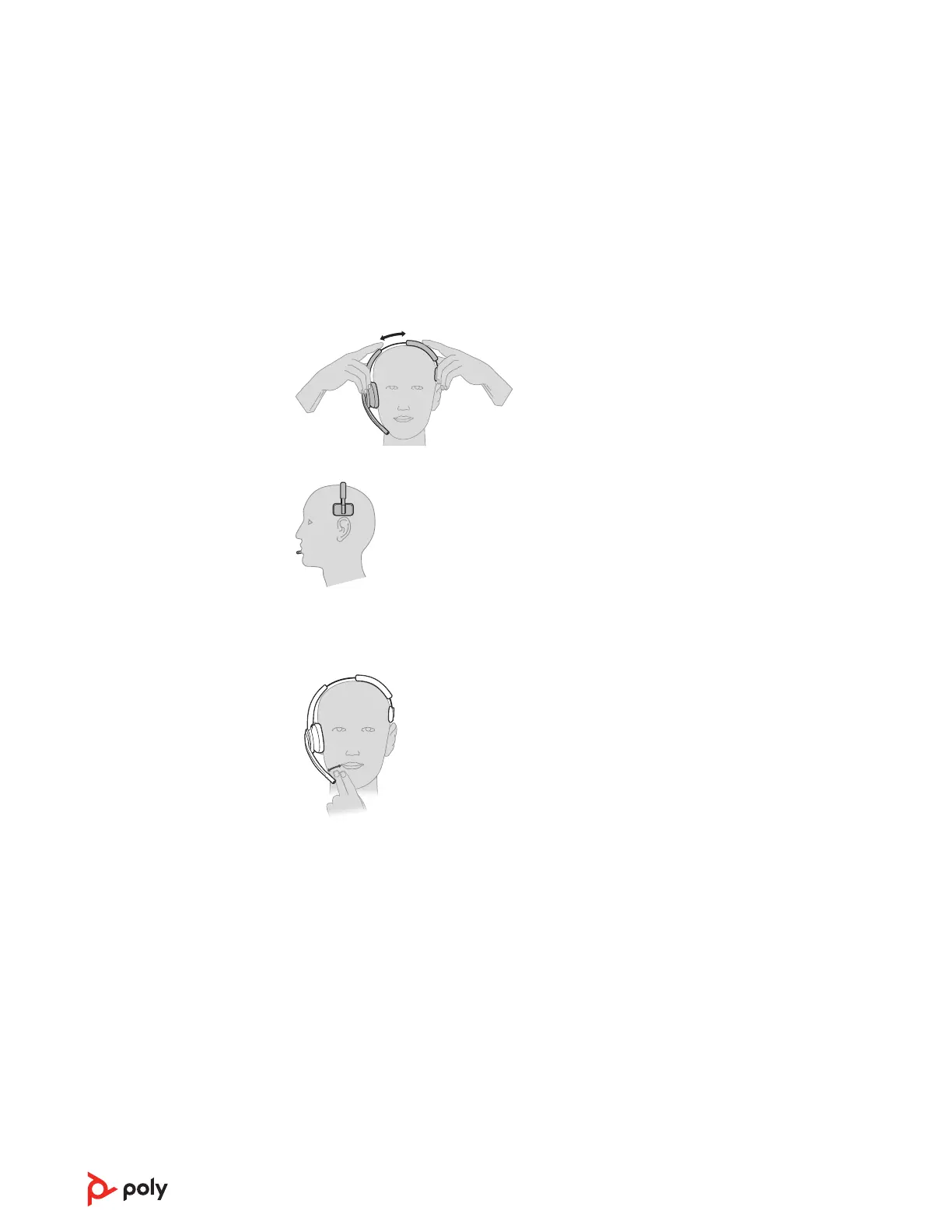
Adjust the Headband
1 To adjust the headband, lengthen or shorten the band until it fits comfortably. Position the
earcups so that the foam cushions sit comfortably over the center of your ears.
2 Position the stabilizer T-bar above your ear, if applicable.
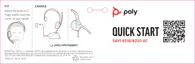
Adjust the Boom
For optimum audio, bend the boom so it is approximately two finger widths from the
corner of your mouth.
NOTE For true stereo listening when wearing the boom on the left, adjust the wearing
preference setting in Poly Lens Desktop App.
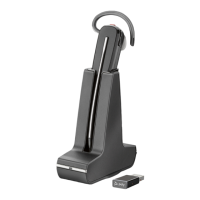
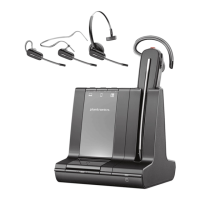
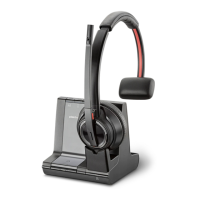
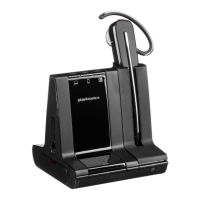
Place the headset in the charge cradle. The headset charging LED flashes when charging
the headset and turns off when the headset is fully charged. Charge for at least 20 minutes
prior to the first use. A full charge takes 3 hours.
With a single full charge, the headset provides up to 13 hours of continual talk time in
wideband mode.
Determine your headset battery status:
• Listen to the voice prompts after powering on the headset
• View in Poly Lens App
Fit and charge
Customize Your
Headset
Charge your headset
Talk Time
Headset battery status
6



 To Next Page