SoundStation2W™ User Guide - 23
Charging
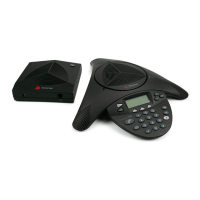
SoundStation2W™ operates on a
rechargeable lithium ion battery. The
battery needs to be recharged peri-
odically. Use the supplied charger
to recharge the battery while it is
installed in the console. In similar
fashion to a laptop PC or a mobile
phone, the SoundStation2W™ can
be used or continue operation while
being charged. The battery cannot be
recharged outside the console.
► Optimum battery performance
may be achieved only after the
battery is conditioned. The battery
will have to go through four to ve
charge and discharge cycles before
reaching optimum performance.
► Talk time is measured for natu-
ral conversation at optimum volume
levels.
2 cell battery 4 cell battery
Charge Time
4 hours 8 hours
Talk Time
12 hours 24 hours
Standby Time
80 hours 160 hours
Typical talk time and standby time are
shown here:
Charging State
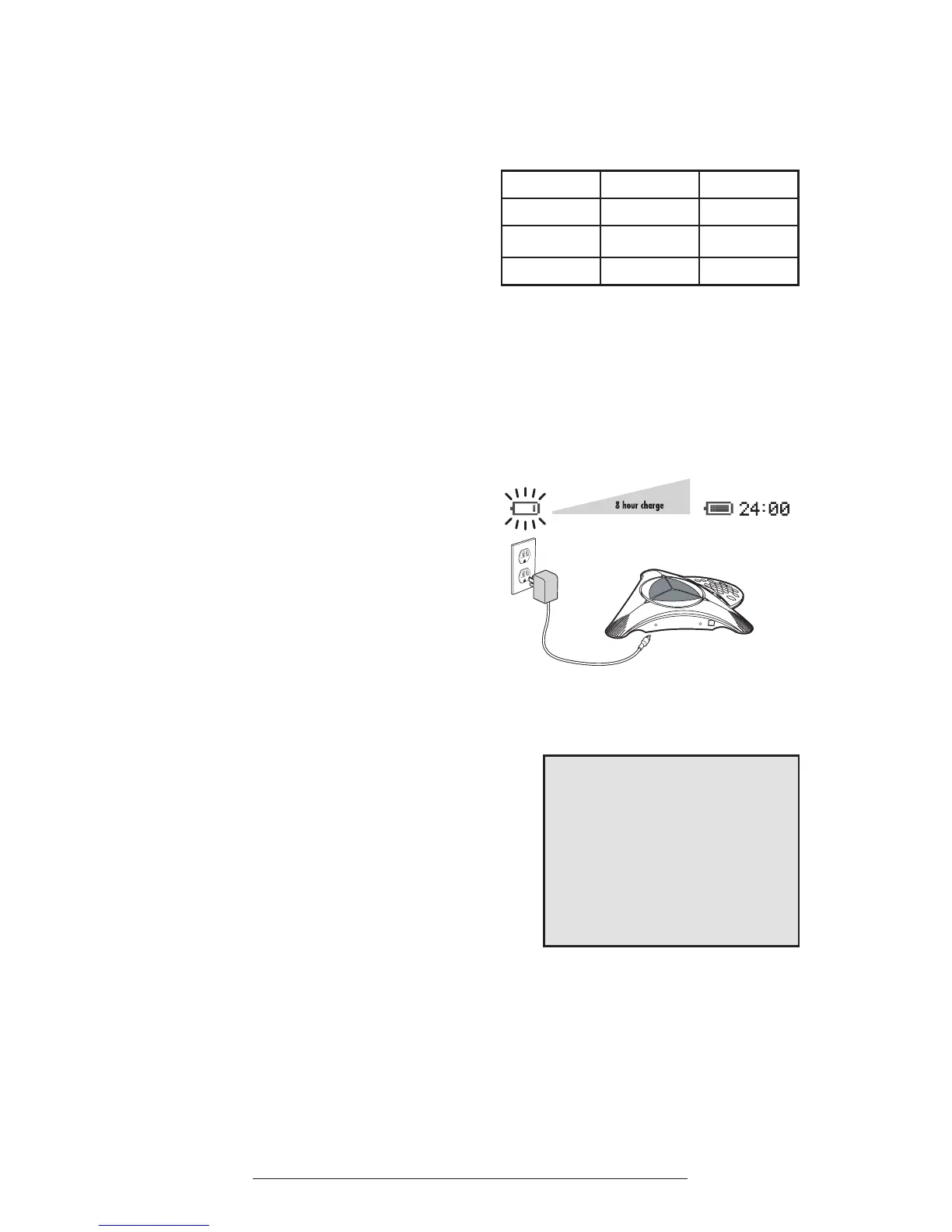
The SoundStation2W™’s display will
indicate when the battery is charging
by animating the battery icon.
Low Power
The SoundStation2W™’s display will
indicate when battery charge is low. The
low battery warning begins when the
remaining talk time is approximately 5%
of the full charge capacity.
In addition to visual indicators of the
console LCD, you will hear periodic
warning beeps during the low battery
period.
Battery icon displayed on LCD.












 To Next Page