SoundStation2W™ Administrator Guide - 33
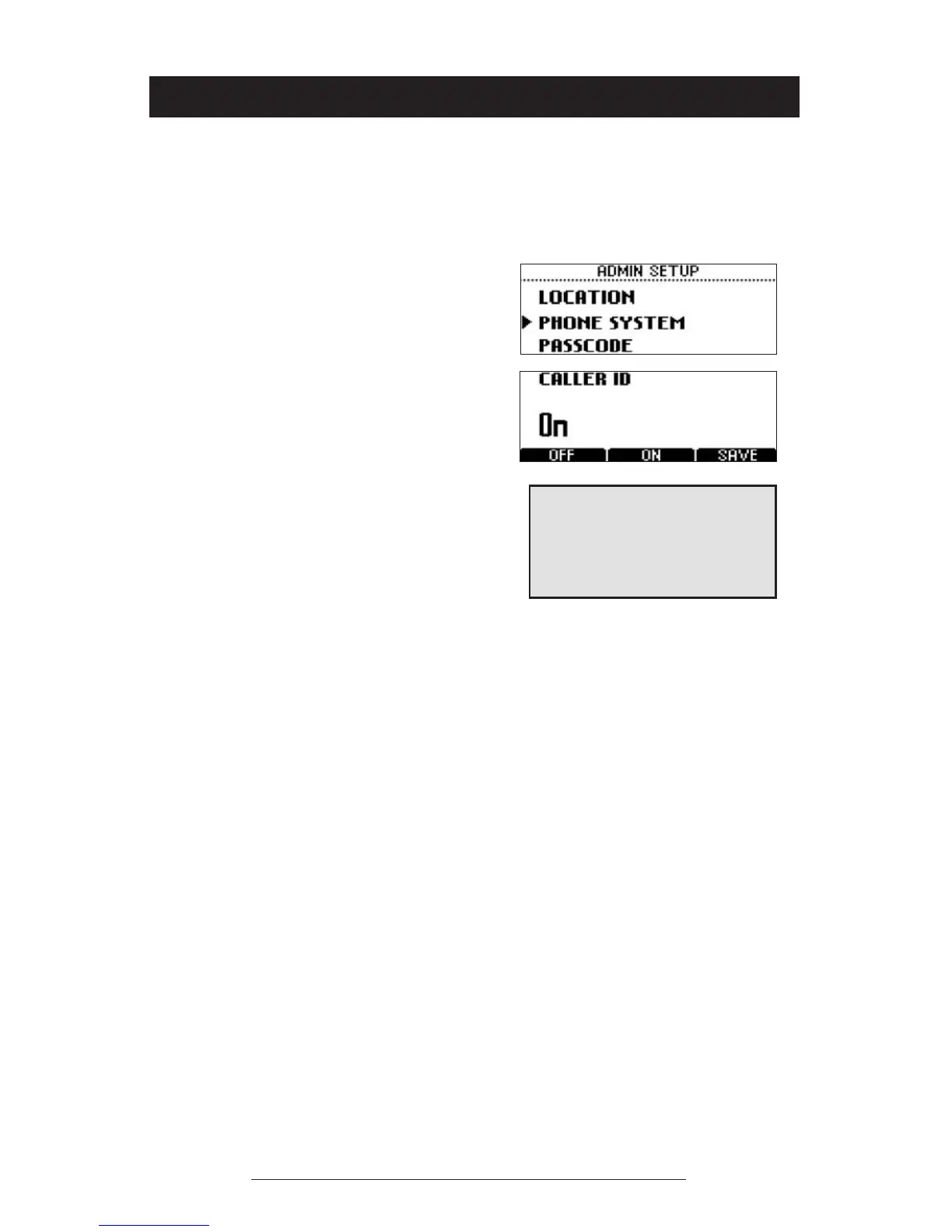
Caller ID*
You can turn Caller ID on or off. By default, Caller ID
is on.
*Caller ID is a subscription
service. Check with your local
telephone service provider to de-
termine if this service is available
in your area.
Phone System
1. Press the Menu button, choose
Admin Setup and press the Select
button, enter passcode (if required)
and press the ENTER soft key.
Choose Phone System using the
Scrolling buttons, and press the
Select button.
2. Choose Caller ID using the Scroll-
ing buttons, and press the Select
button. Press the ON or OFF soft
key or cycle through the options
using the Scrolling buttons.
3. Press the SAVE soft key or the
Select button to save your entry.
You may press the Exit button to
cancel your entry.













 To Next Page