Connect Using a USB Cable
Pair with a Bluetooth Device
Procedure:
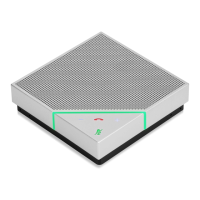
1. Press and hold the Bluetooth button
for 2 seconds.
The status indicator flashes blue when
in Pairing mode.
2. On your device, enable Bluetooth
and select Polycom VoxBox from the
list of devices.


 To Next Page