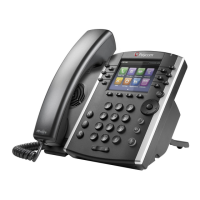
Quick User Guide Polycom VVX400
ImpactConnect Hosted PBX
Phone Views
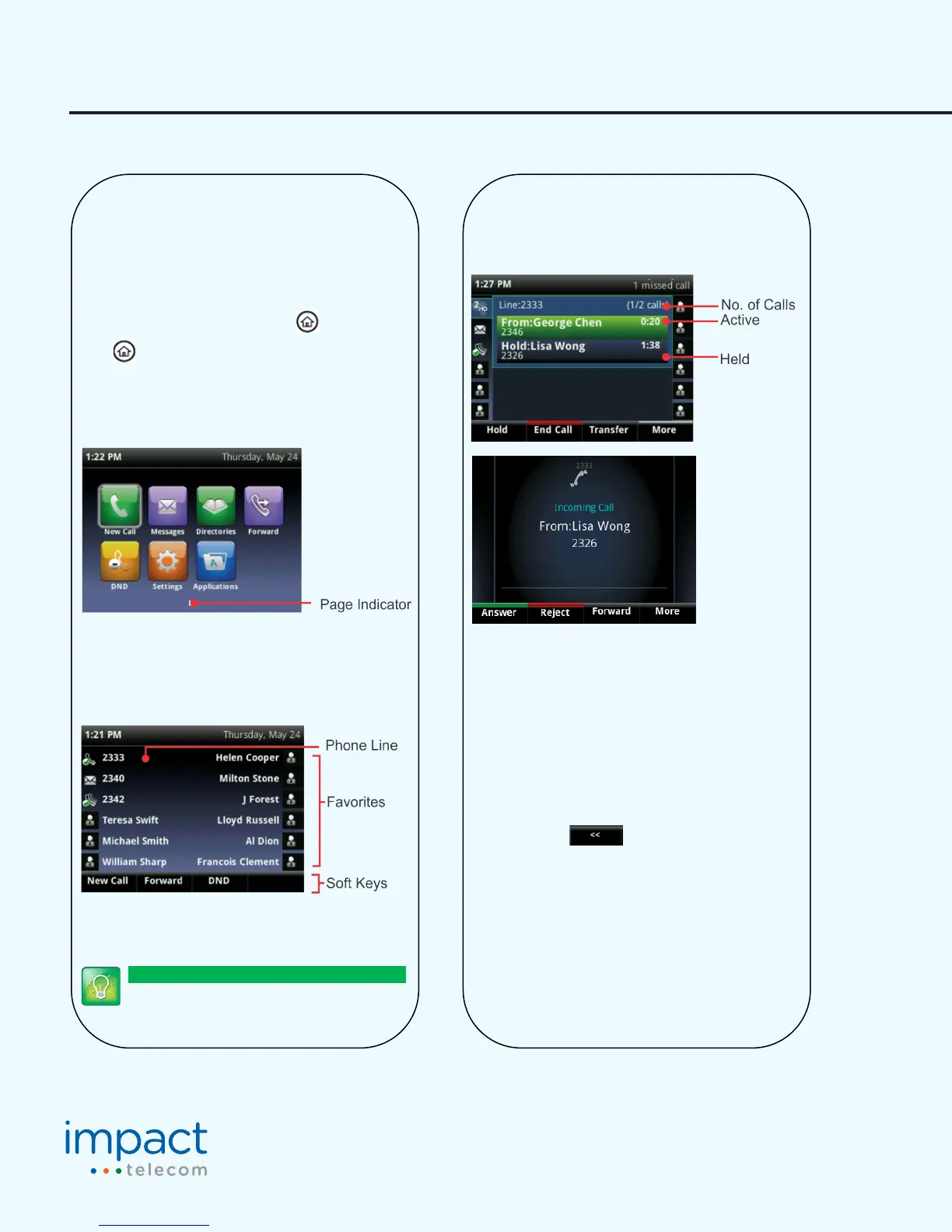
Your phone has three main Views: Home, Calls, and Lines
view (the default). You can access Home and Lines view
at any me. If your phone has one or more calls, you can
also access Calls view.
For Home view from any menu, press .
Press to alternate between Home and Lines view.
Home View
Home view displays icons you can select to access phone
funcons.
You can use the right, le, up , and down arrow keys to
display more icons.
Lines View
Lines view displays phone Lines, Favorites and so keys.
If your phone is idle, you can press the Line key to access
the Dialer.
Tip: Referring to So Keys
In this guide, so keys are referred to by their
name only. For example, to end an acve call,
Calls View
If your phone has one or more calls, you can access Calls
view.
Call color indicates status:
• Dark green—Acve call
• Bright blue—Incoming call
• Dark blue—Held call
Use the up and down arrow keys to select a call
(highlight it). The so keys control the highlighted call.
Entering Data
Use the dialpad keys to enter informaon. To backspace,
press Backspace .
To type with the dialpad keys, press a key repeatedly to
view the character opons and stop to select.
To type other char
acters, press Encoding or Mode. When
using the dialpad keys, use the 1, *, 0, and # keys.


 To Next Page