3
TexJet® ECHO²
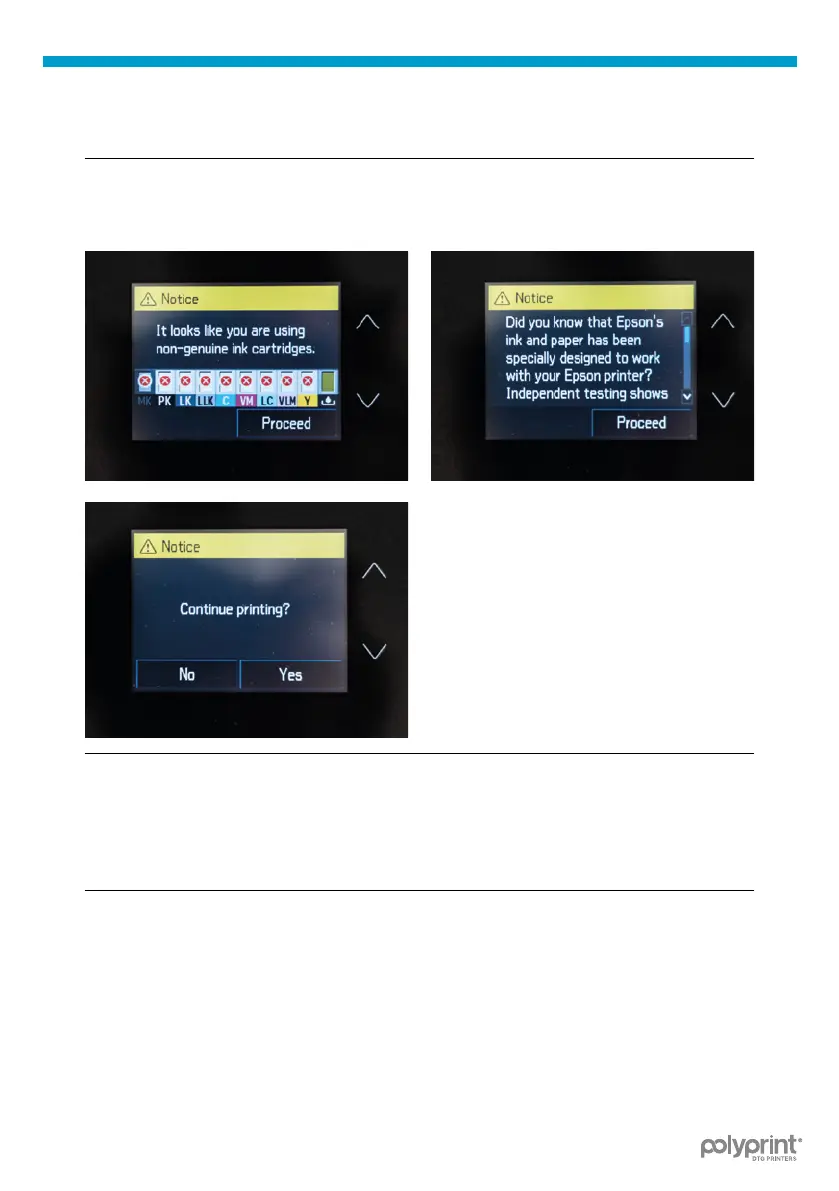
Fig.4: Notice display screens.
| 05_STEP
Press Home to continue.
| 06_STEP
Skip the Notice display screens by pressing Proceed, Proceed and Yes.
| 07_STEP
Perform a Head Cleaning. Tap on the Settings Icon on the Printhead
Control panel and navigate through Maintenance, Print Head Cleaning
and choose Head Cleaning.
| 08_STEP
Print a nozzle test to check the head condition. Tap on the Settings Icon
on the Printhead Control panel and navigate through Maintenance, Print
Head Nozzle Check and nally tap Print.
Check the pattern (Fig.5 & Fig.6)



 To Next Page