EasyManua.ls Logo

Polyprint TEXJET PLUS - Panel Messages and Ink Configuration; Handling NON-GENUINE Messages; Correct Ink Assignment

Polyprint TEXJET PLUS
64 pages
Print Icon
To Next Page IconTo Next Page
To Previous Page IconTo Previous Page
Loading...
Polyprint S.A. Texjet+
Polyprint S.A – Texjet plus operation manual English V1.9
- 18 -
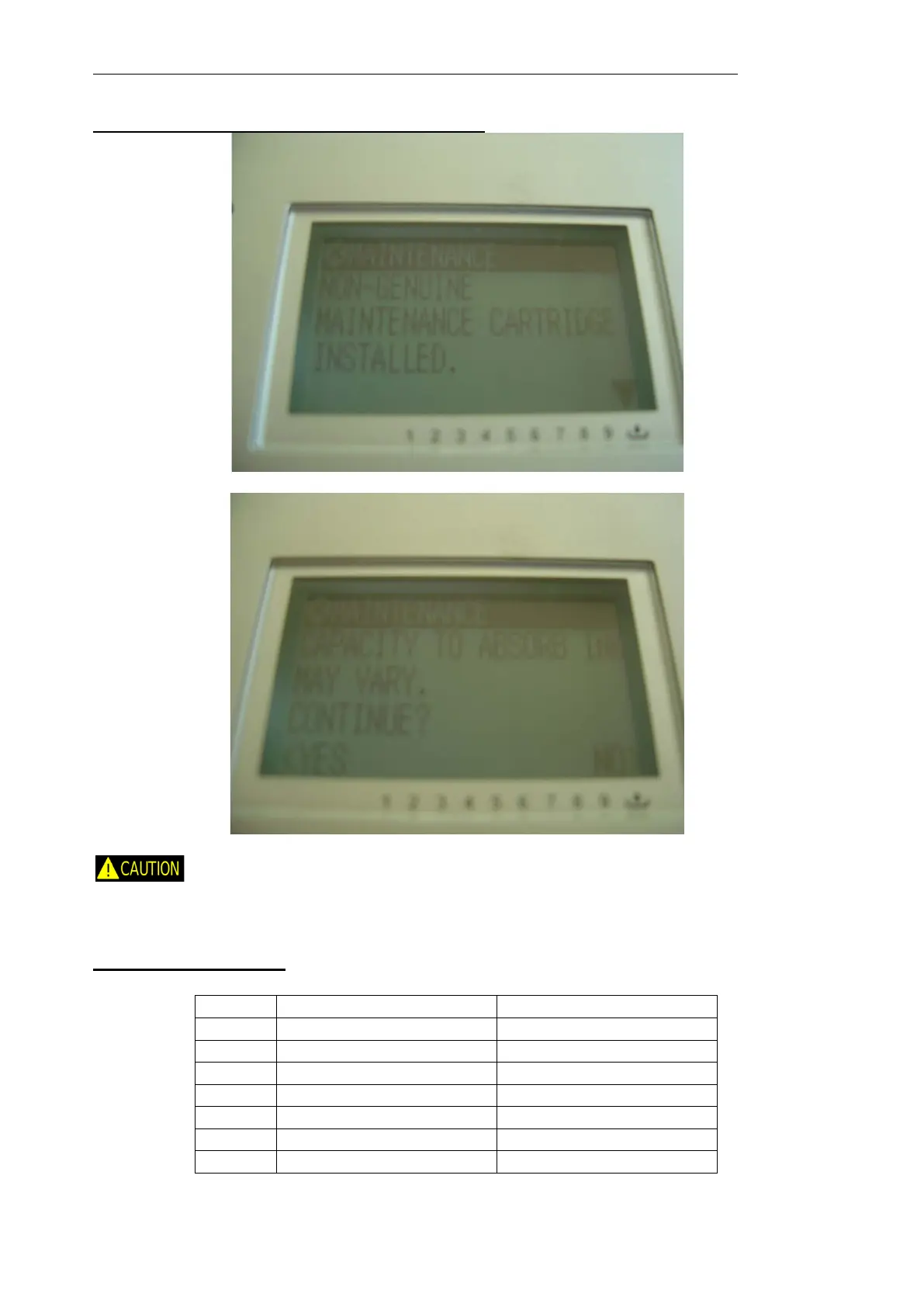
Panel instruction for “NON-GENUINE” message
Proceed as the panel instructions suggest (press down and then select yes to accept).
If the ink level icon of the maintenance tank still remains blank (“NON-
GENUINE”) the user must always check visually the real ink level of the tank and empty it
when needed.
The correct ink assignment is shown below:
Correct Ink Assignment

Slot No.
Epson original cartridge
Texjet
+
cartridge
1
Matt Black (MK)
Black
2
Photo Black (PK)
Black
3
Light Black (LK)
White
4
Light Light Black (LLK
White
5
Cyan (C)
Cyan
6
Magenta (M)
Magenta
7
Light Cyan (LC)
White

Related product manuals