Polyprint S.A. Texjet+
Polyprint S.A – Texjet plus operation manual English V1.9
Safety Instructions
Read these instructions carefully before operating the equipment. Follow the instructions given in this manual
or directly on the machine and the accessories, to prevent damage to the equipment or your health.
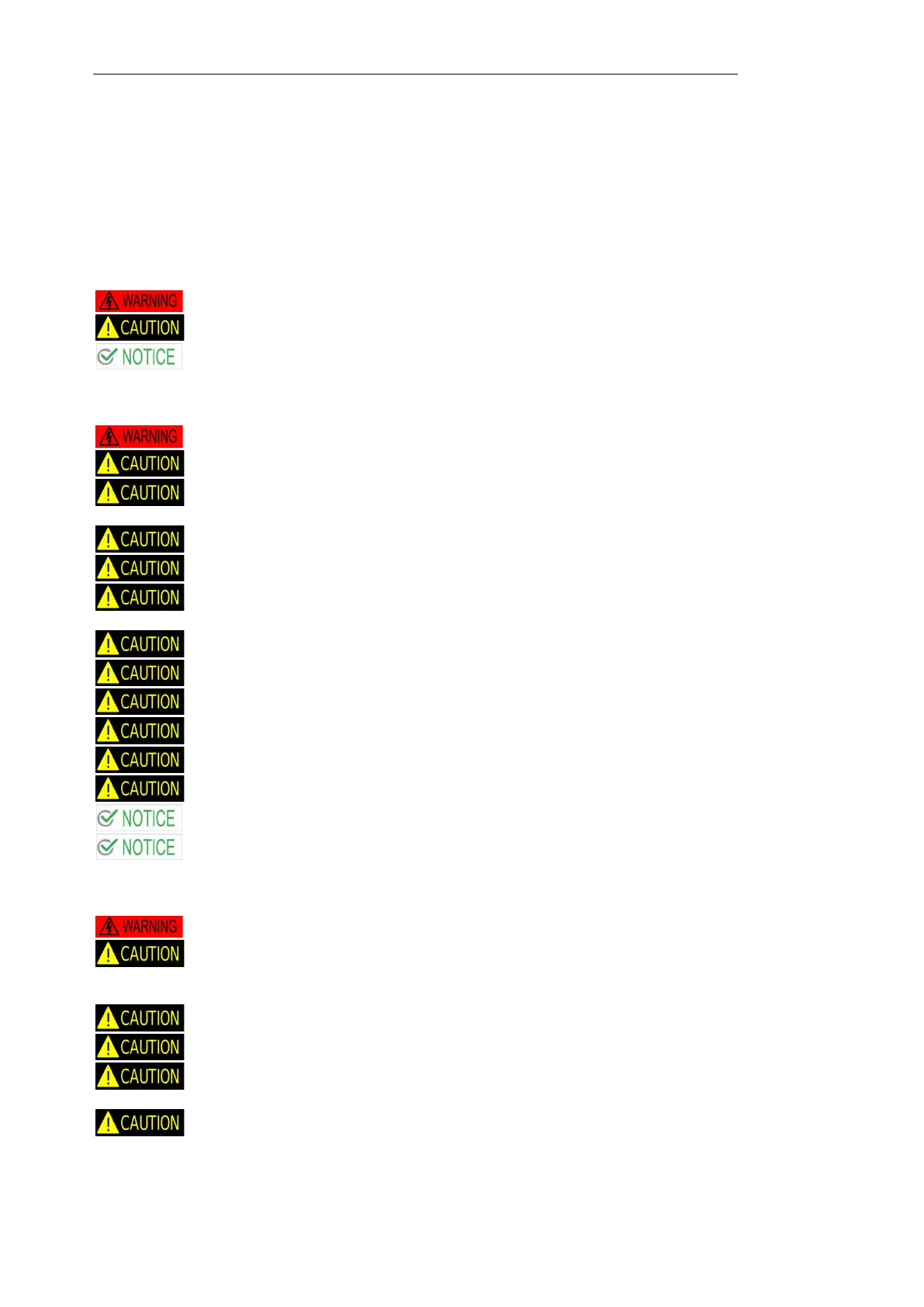
Warning, Cautions, and Notes
Must be followed carefully to avoid bodily injury
Must be observed to avoid damage to your equipment
Contain important information and useful tips on the operation of your printer
When choosing a place for this product
Carry the product by 2 or more persons
Don’t lift the product from the side covers
Place this product on a flat, stable surface. The surface should be at least 64x59cm. Texjet stand
recommended
This product will not operate properly if it is tilted or at an angle
The printer must only be used indoor
Avoid places subject to rapid changes in temperature and humidity. Also keep this product away
from direct sunlight, strong light, or heat sources
Avoid places subject to shocks and vibrations
Keep this product away from dusty areas
If you use a stand, the stand must be at least 64x59cm and able to support 125Kg (275lb)
Operate the machine in an environment with a temperature range of 10-30 degrees Celsius
The humidity must be between 20-80% none condensing
Before moving the printer to other position, empty the maintenance tank from the remaining ink
Always put the printer into a place where the lighting is sufficient
Place this product near a wall outlet where the plug can be easily unplugged
When setting up this product
Do not use a damaged or frayed power cord
Make certain that the source voltage is the same as the rated voltage, listed on the serial
number/rating plate. If the product has an AC rating different from available power source, do not
connect it to the power source
Remove all transport fixtures before starting up the product
Use the type of power source indicated on this products label
Connect all equipment to grounded outlets. Do not use the same outlet for any other system such
as a copy machine or an air control unit that turn on and off
If you are using an extension cord make sure the power ampere rate does not exceed the cord
ampere rate of the product



 To Next Page