Polyprint S.A. Texjet+
Polyprint S.A – Texjet plus operation manual English V1.9
Place this product on a flat, stable surface. The surface should be at least 64x59cm. Texjet stand
recommended
Working Space:
Removing the transport fixtures
• Remove all the tapes of the printer’s housing
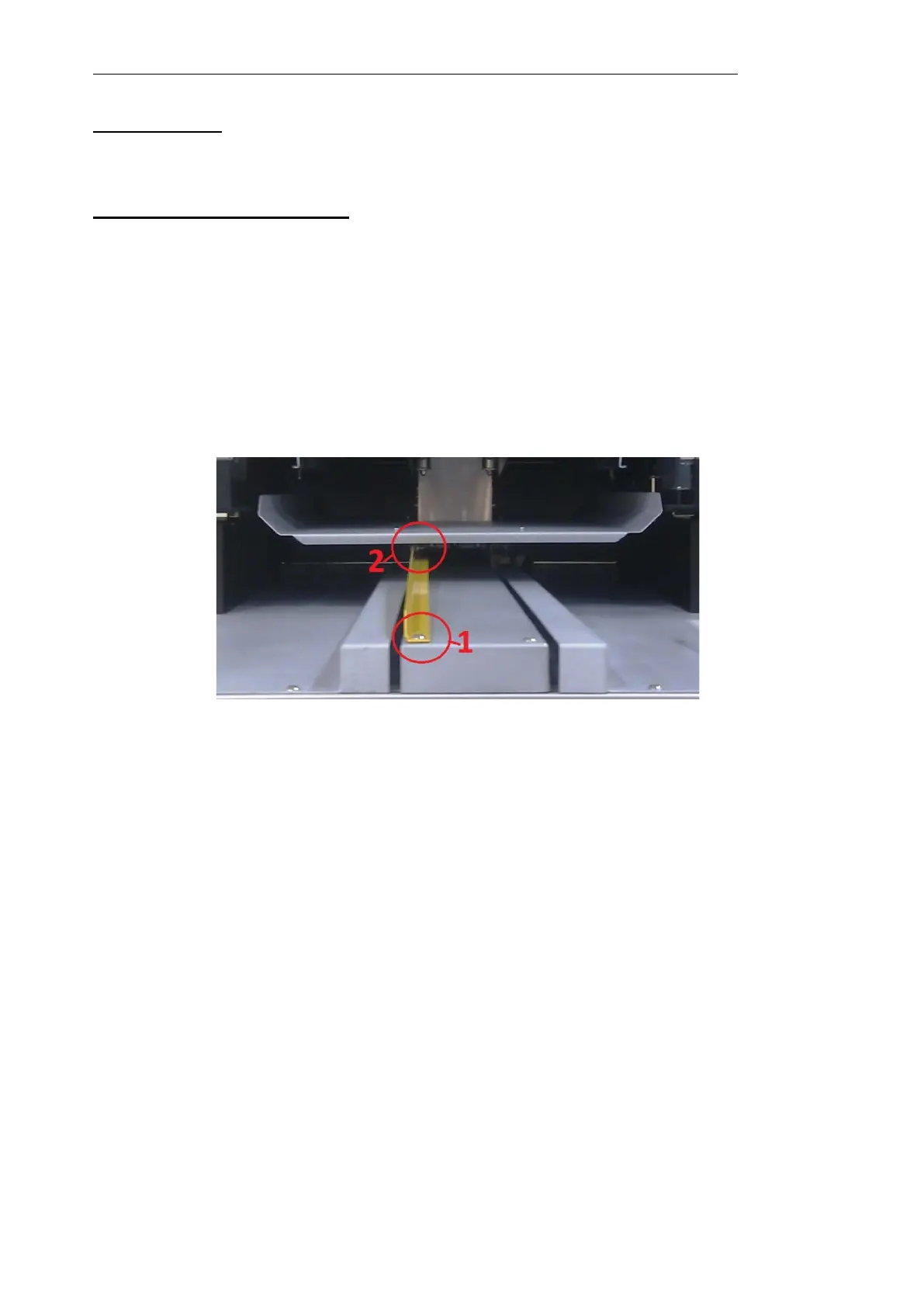
• Remove the yellow safety bar that keeps the tray steady during transportation (do NOT
throw away this fixture, because you will need it for future transportation of the
printer):
1. Remove the screw no1
2. Slowly take the tray out manually
3. Remove the screw no2
4. When finished, put the screw no1 back to its place and tighten the screw no2 onto
the yellow bar.



 To Next Page