Polyprint S.A. Texjet+
Polyprint S.A – Texjet plus operation manual English V1.9
8. Press the SHIFT and then the DOWN (F2) Button to exit the maintenance mode.
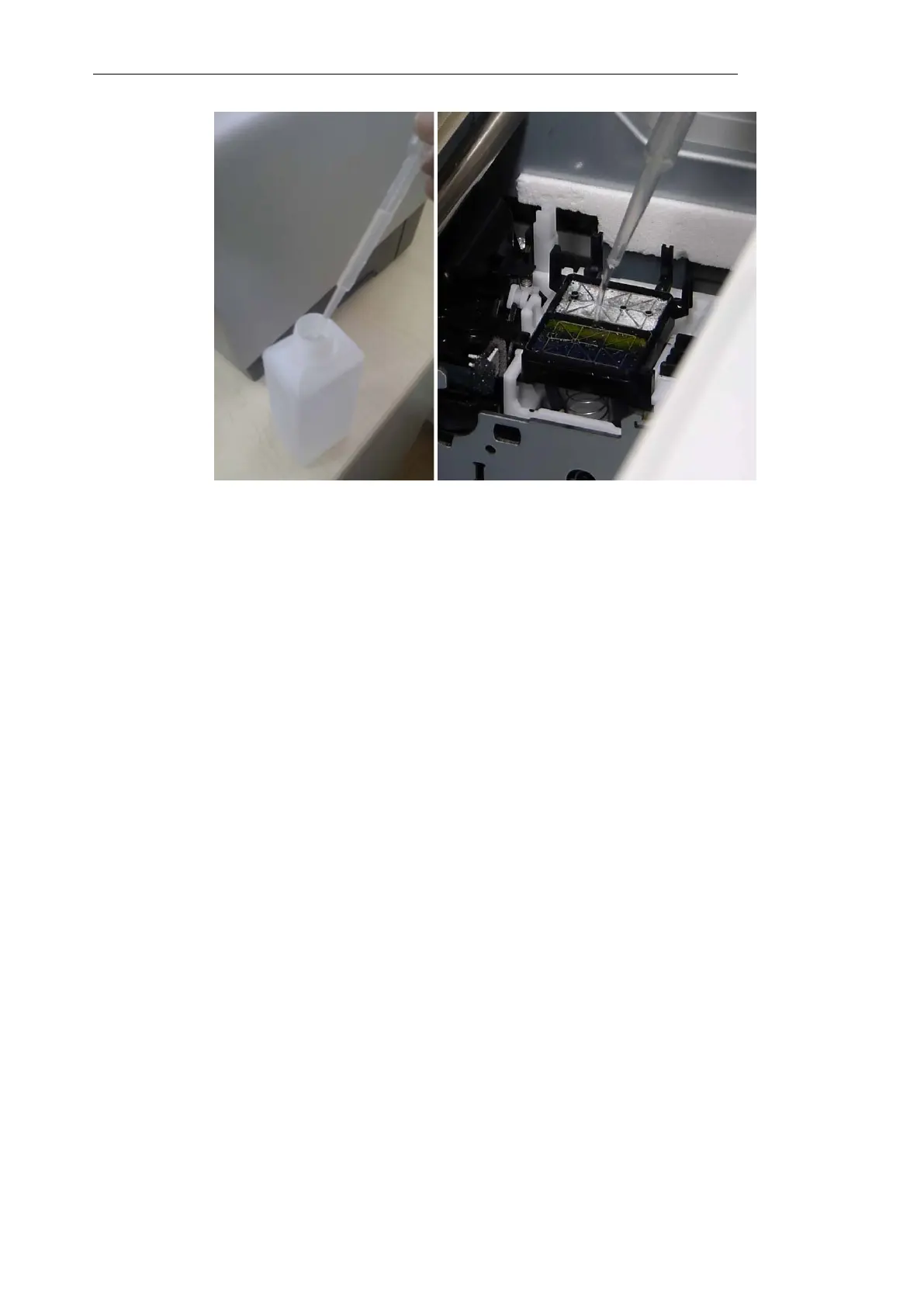
9. After that the printer will automatically perform one normal head cleaning, so that the
cleaning solution will be able to clean the cap, the pump and the tubes inside.
10. After the above procedure is finished, on the printers display the “Ready” message should
show up.
11. Now you can switch off the printer.



 To Next Page