Polyprint S.A. Texjet+
Polyprint S.A – Texjet plus operation manual English V1.9
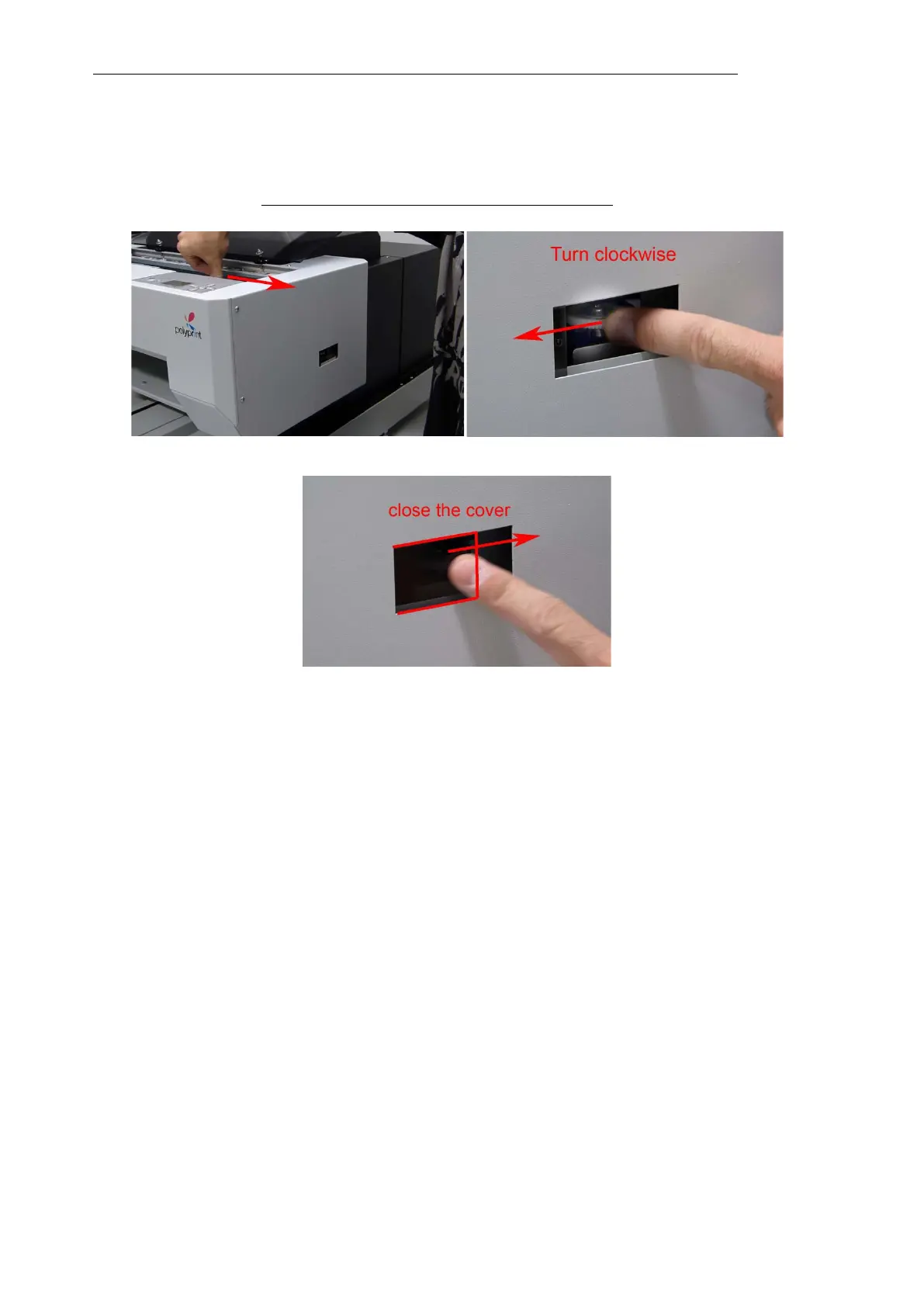
7. After having finished with the maintenance procedure, move the print head manually to
its parking position (far right position). Move the release knob to the opposite direction
the arrow indicates (clock-wise) until the print head can’t be moved any more (print head
lock position).
Make sure that the print head can’t move at all.



 To Next Page