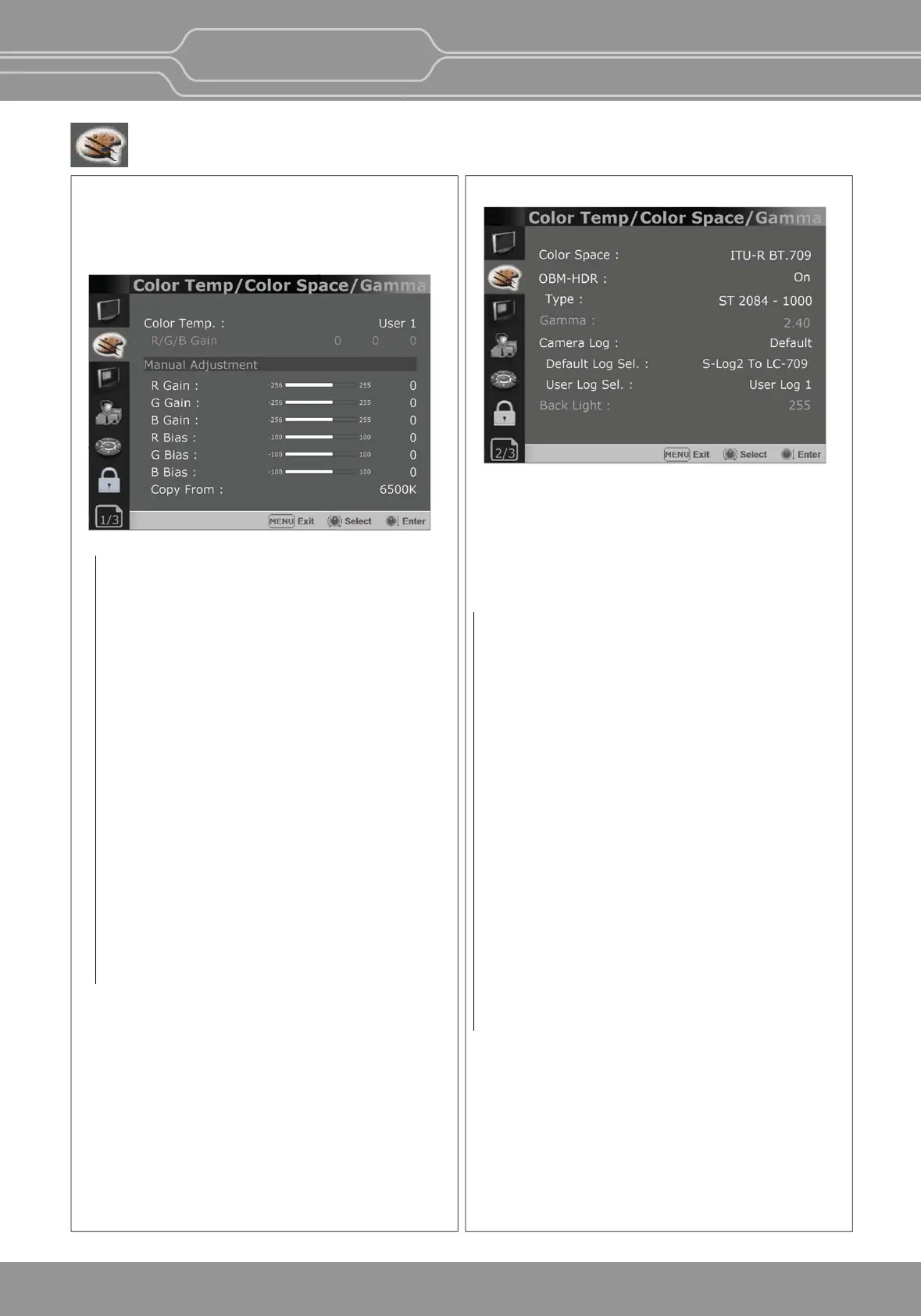
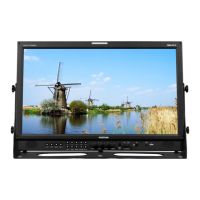
Color Temp/Color Space/Gamma Menu (OBM-U090)
These menus are used for adjusng or seng the color
temperature, color space or gamma of the picture.
Page 1/3
**Note - If Color Space is set to [DCI-P3], Color
Temp. is fixed to [DCI-P3].
Page 2/3
Color Space
- Selects the color space from among
[ITU-R BT.709], [Nave].
OBM-HDR
Selects whether to enable or disable the OBM-HDR
seng.
Type
Selects the mode of HDR gamma.
- ST 2084 -300 : This mode displays the absolute
brightness up to 300 cd/m². So, the highlights over
300 cd/m² are clipped.
- ST 2084 -1000 : This mode displays the relave
brightness up to 1000 cd/m². The part exceeding
1000 cd/m² is clipped.
- ST 2084 -10000 : The characteriscs of LCD panel
doesn’t allow to produce the ideal brightness
required by this standard, so the gamma is
displayed in the relave brightness
- HLG - 0.98(300) (Hybrid Log Gamma) : This mode
can be selected when the White is 300 cd/m² in
HLG.
- HLG - 1.0 / 1.1 / 1.2 / 1.3 / 1.4 / 1.5 : These modes
allow the user to apply HLG from 1.0 up to 1.5.
- HLG - SG(1.2): HLG gamma is applied to 1.2 and
then displayed in the absolute value up to
300 cd/m².
- S-Log3: Select the S-Log3(HDR) gamma.
Color Temp.
- Selects the color temperature from among
[3200K], [5500K], [6500K], [9300K], [User1],
[User2], [User3], [DCI-P3].
R/G/B Gain
- Displays the R/G/B Gain of the current
Color Temperature.
Manual Adjustment
- If you set the Color Temp. to User 1/2/3,
the item is changed from black to white,
which enables you to adjust the color
temperature.
R/G/B Gain/Bias
- Adjusts the color balance(Gain, Bias).
Copy From
- The Gain and Bias data of each Color Temp.
are restored to User adjustment.
Gamma
- Selects the appropriate gamma mode from
1.00 to 3.00.
**Note - When the OBM-HDR is set Off, this
menu becomes acvated.
- When the color space is set to
Nave, this menu becomes
deacvated.
OBM-U/X Series
4K LCD Professional Monitor
with 12G-SDI, Quad Link 4K
19


 To Next Page