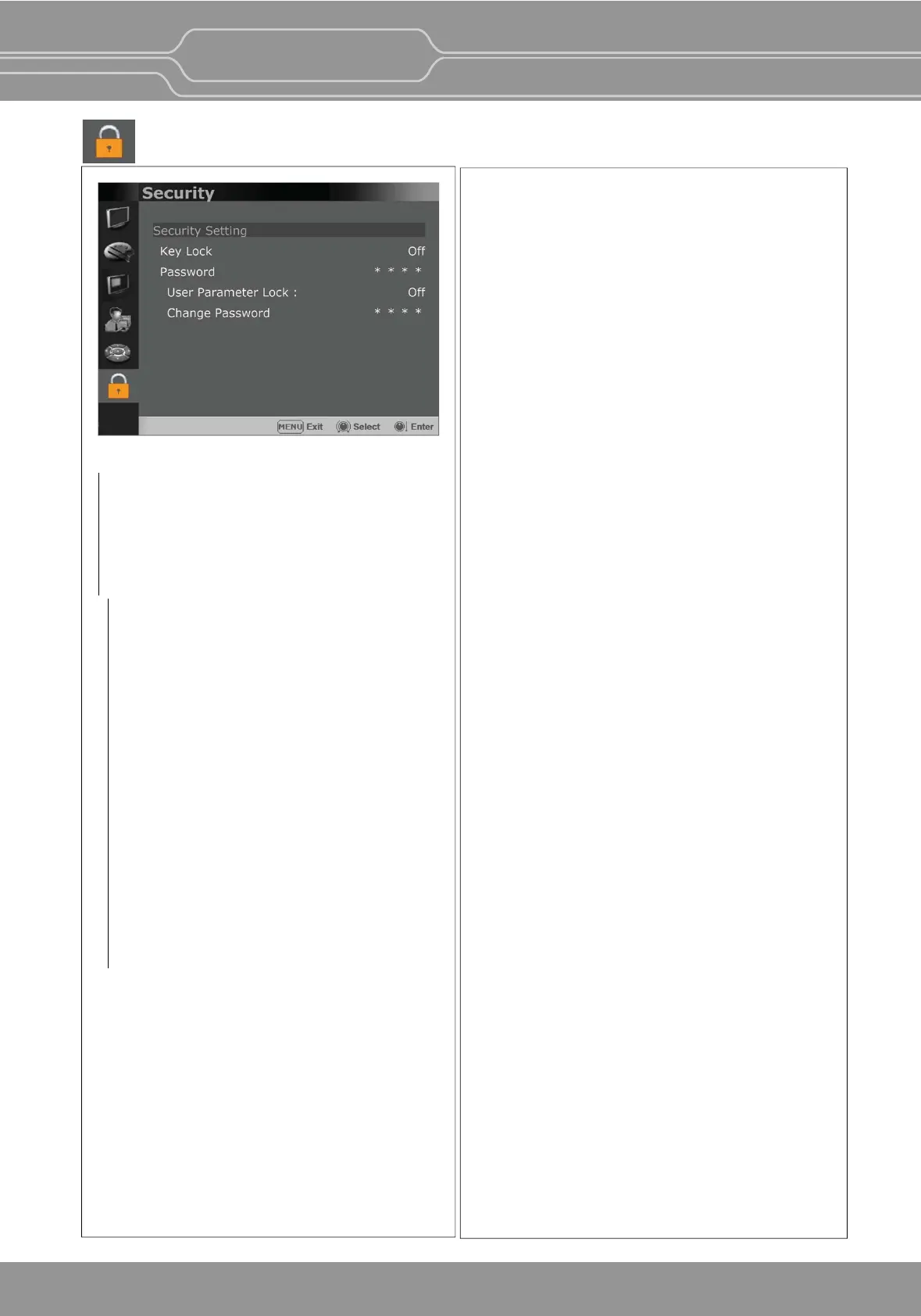
Security Menu
Security Seng
Key Lock
When Key Lock funcon is set On, the change of
the menu sengs and funcons doesn’t work.
** The same funcon as [Key Lock] buon on
the front panel.
Password
-This funcon allows the user to protect the
seng values through password.
-When the Password lock is applied, the
funcons and the seng values can be
changed, but they are not saved.
-When you protect the seng values with a
password, set a four-digit number.
-The inial password is 0000.
-When you use [Password], change the
inial password first.
User Parameter Lock
Selects [On] to protect the seng values.
Selects [Off] to not protect by the password.
When [On] is selected, OSD background is
displayed with the lock image as shown below.
Change Password
Changes the password.
OBM-U/X Series
4K LCD Professional Monitor
with 12G-SDI, Quad Link 4K
29



 To Next Page