OBM-U/X Series
4K LCD Professional Monitor
with 12G-SDI, Quad Link 4K
40
False Color
This funcon evaluates the Luma(Y') level of the input image. If the certain Y' level is set, the pixels with the
designated Luma(Y') level are displayed with the zebra paern or the color paern.
There are three modes in OBM False Color.
Zebra
This mode displays the Luma(Y') level of the input image in zebra
paern.
False Color ARRI
The color paern is displayed with ARRI camera standard.
False Color Variable
This mode allows the user to adjust White clipping, Pink level,
Green level, Black Clipping.
False Color Comparison
This funcon enables the user to divide the picture side by side,
and compare the original image on the le half and
the False Color image on the right half.
Black Stretch
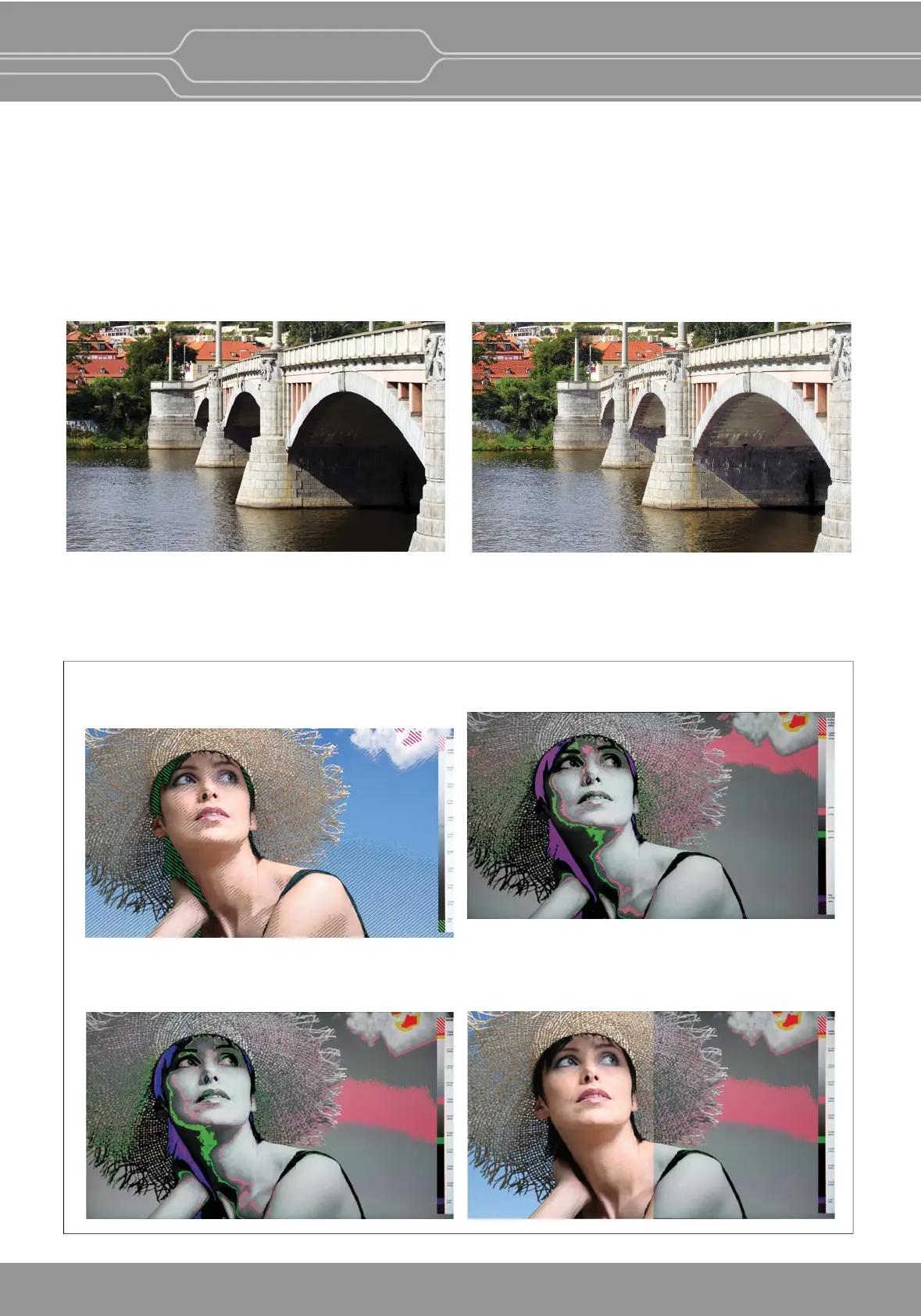
The Black Stretch increases the visibility of subjects in dark areas, not degrading image quality in bright areas.
This mode can be used to increase shadow detail without changing the absolute black level, and without
affecng mid-tones.
Black Stretch On
Black Stretch Off
No Burn-i
(OBM-X310)
OLED monitors have the risk of "burn-in", which is an effect of the image scking on a screen even when the
content changes. It is due to the characteriscs of the material used in the OLED panel.
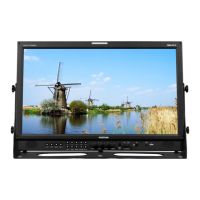
The OBM-X310, which employs the state-of-the-art LCD panel, is free from the burn-in effect.


 To Next Page