PRK-5000 Operation Manual
- 21 -
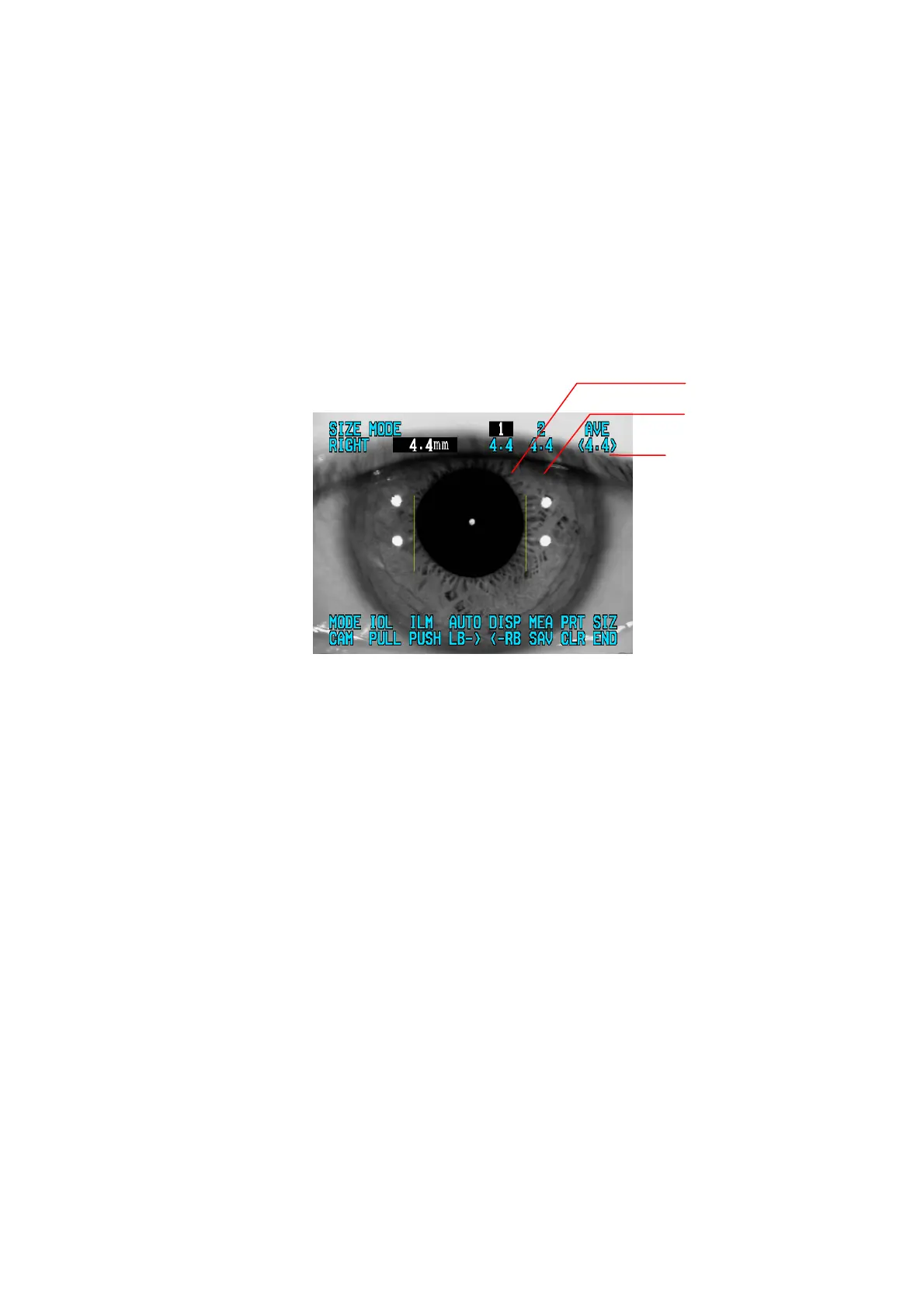
(4) Select the Entry of measured value.
Pressing the MODE button renders to select “1” and “2” in turn. In case there are some
mistakes in the previous “1” measurement, “1” can be selected again.
(5) Repeated Measurement
Repeat the measurement as required by repeating procedures (2)~(4).
z The two newest measurements will be displayed and stored.
z The average of the two newest measurement will be calculated and displayed under
“AVG”.
(6) Measure the other eye
Slide the stage with holding the operation lever on the other side. And measure the
other eye in the same way.
(7) Print
The result of cornea diameter will be printed as “[CORNEAL SIZE]” item.
Average
Measured value 2
Measured value 1



 To Next Page