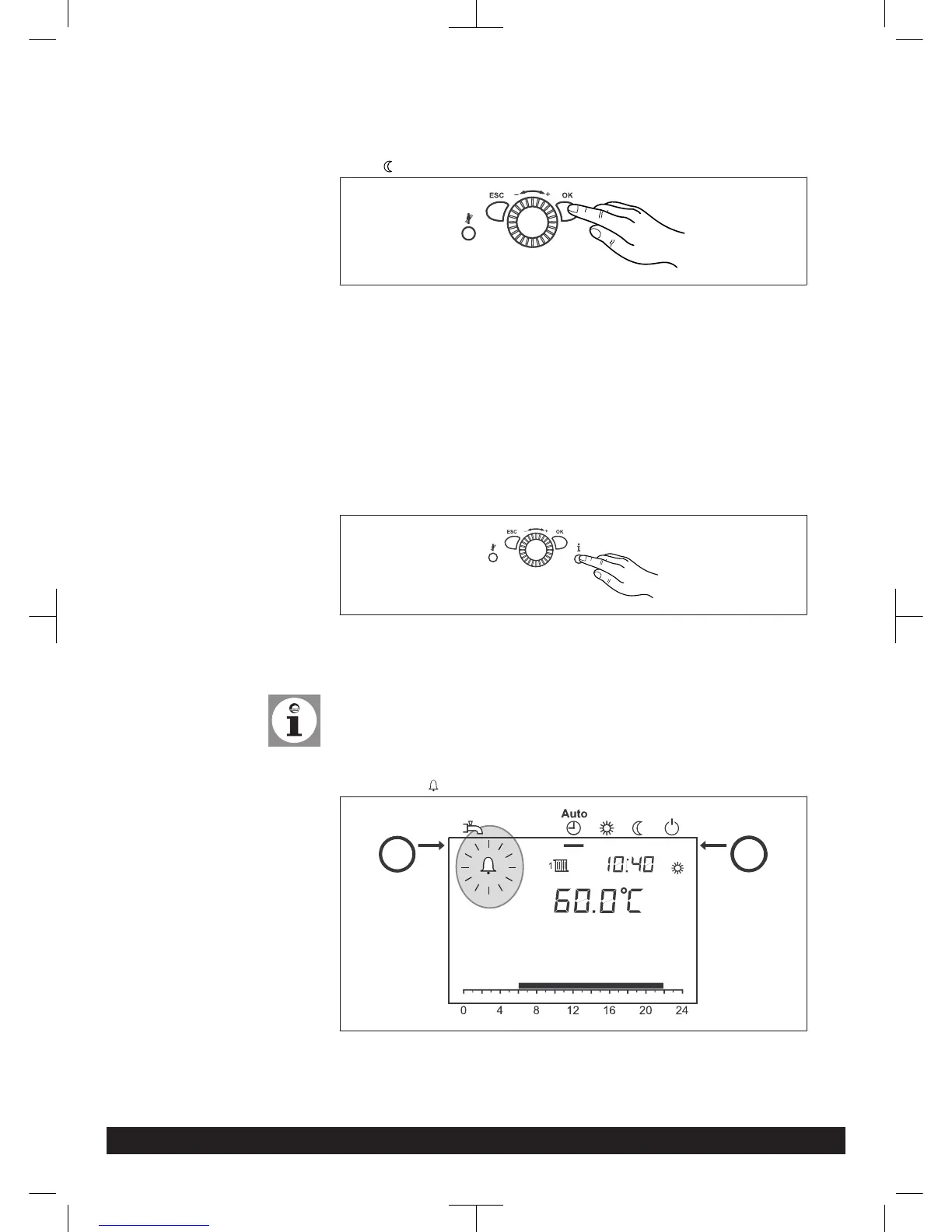
Setting reduced setpoint:
1. Press OK button
2. Select heating circuit.
3. Press OK button
4. Select parameter Reduced setpoint
5. Press OK button
6. Set reduced setpoint with the control knob
7. Press OK button
8. Leave programming level by pressing the operation mode button heating oper-
ation
7.6 Display information
Various temperatures and messages can be called up by pushing the information
button.
Including:
- Room and outside temperature (if sensor fitted)
- Fault or service messages
Note:
When no faults occur and no service messages exist, this information is not
displayed.
7.7 Error message
If the fault sign appears in the display, a fault exists in the heating system.
- Press information button (i)
- Further information can be called up (see Fault code table).
Operation
46 Paramount three 30-115 kW 7308272-03 03.14




 To Next Page