10
Further more information bar.
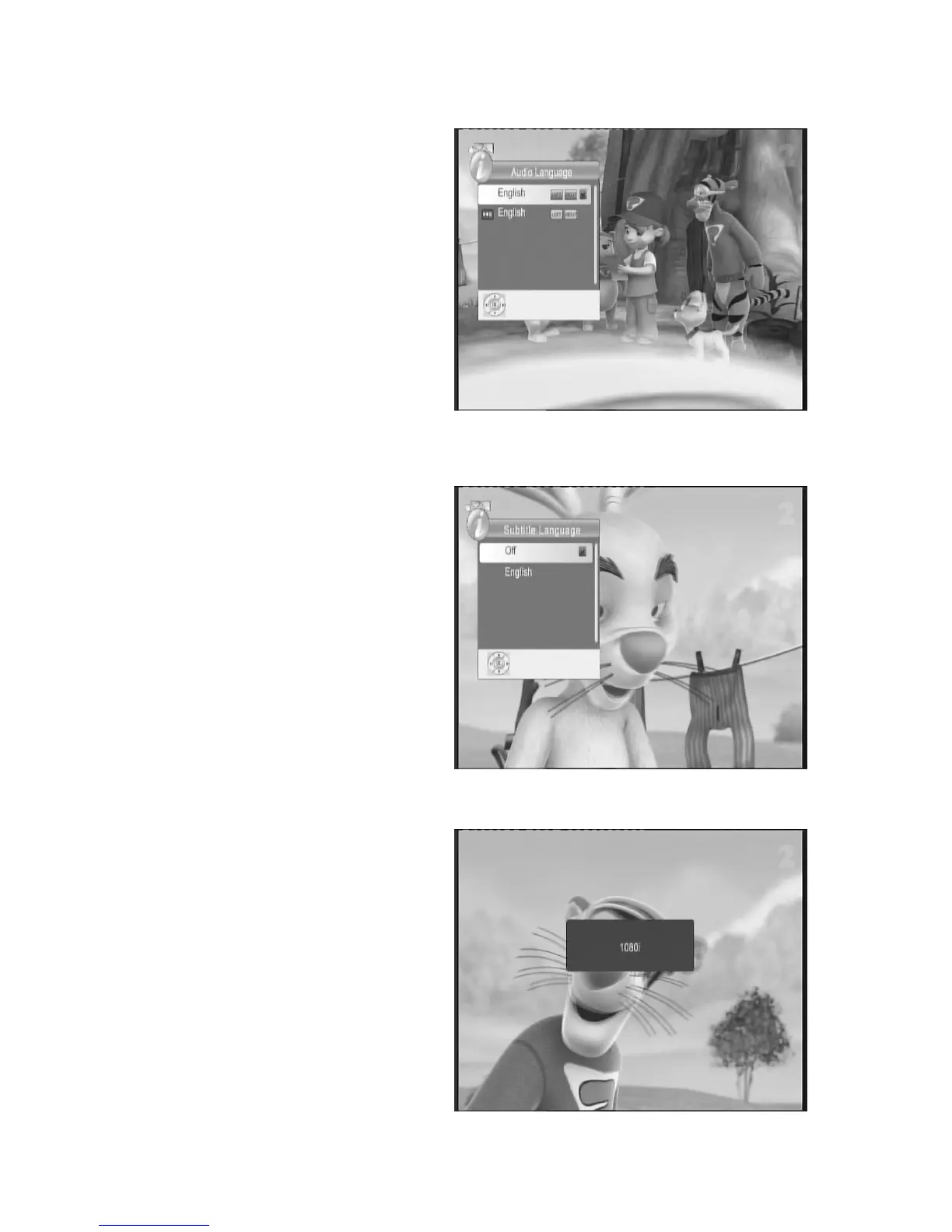
6.2 AUDIO
KEY
The program may have multilingual audio
language and the audio broadcast on
different audio mode such as Left, Right. All
the available audio languages will display on
the audio track windows while you press
AUDIO key. The screenshot is illustrated this.
If there is no audio output after you select the
audio language, it indicates that there is no
audio on the current audio mode, so you
have to select preferable audio mode.
6.3 SUB
KEY
The program may have multilingual subtitle
information. All available subtitle languages
will be displayed in the subtitle information
window when you press the SUBTITLE key.
The screenshot is illustrates this. Follow the
help information on the subtitle windows to
select preferred subtitle.
a) Press SUB key to display all the subtitle
languages while watching TV.
b) Press UP/DOWN key to move and Press
OK key to select the subtitle language.
c) Press SUB or EXIT key to exit the subtitle
language menu.
Note: if you select the Subtitle Language
to OFF, the subtitle language will
disappear
6.4 RES.
KEY
The video programs may have different
resolutions 720×576i/p, 1280×720p and 1920
× 1080i and 1920 × I080p. Normally, the
standard definition programs have 720×576i
and high definition programs have 1280 ×
720p and 1920×1080i and 1920×I080p. The
screenshot is illustrated this. In order to get
excellent quality on the TV screen, press
RES key on the remote control to display the
resolution control window. The screenshot is
illustrated this.In the resolution window you
will find 576i,576p,720p,1080i and 1080p.



 To Next Page