9
5.2 INSTALLATION
GUIDE
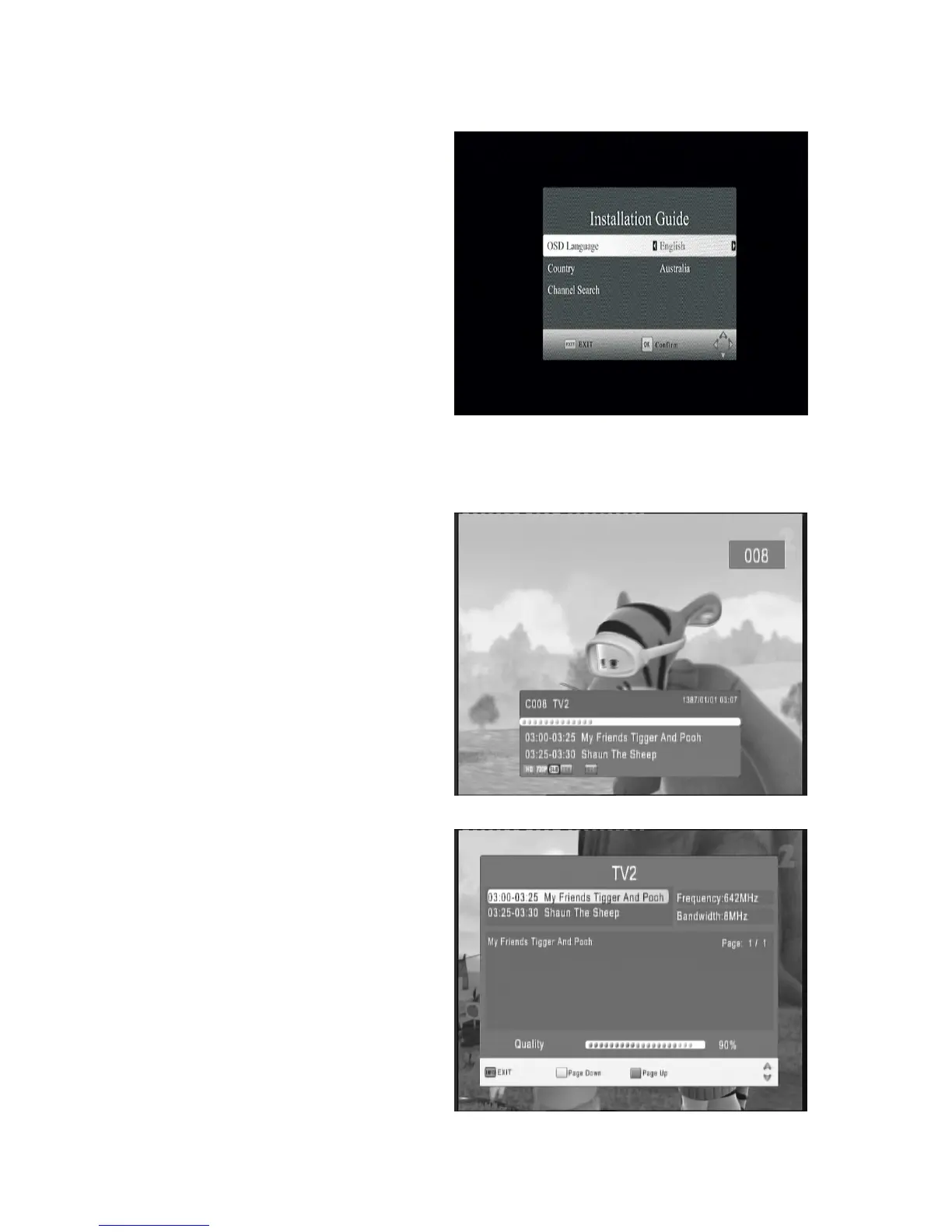
Follow the installation guide to enjoy your
high definition digital TV world. Follow the
help information at the bottom of the window
to select OSD language and suitable country
(Region) and start channel search .
If no channel is found during the channel
searching process, the user may adjust the
antenna position to obtain optimal TV signal.
6 DAILY
USE
6.1 INFO.
KEY
Press “INFO” key to display information bar
during while viewing TV programs. Press the
“INFO.” key twice to display detailed program
information while viewing TV programs..
Base information bar



 To Next Page