12
6.6 TELETEXT
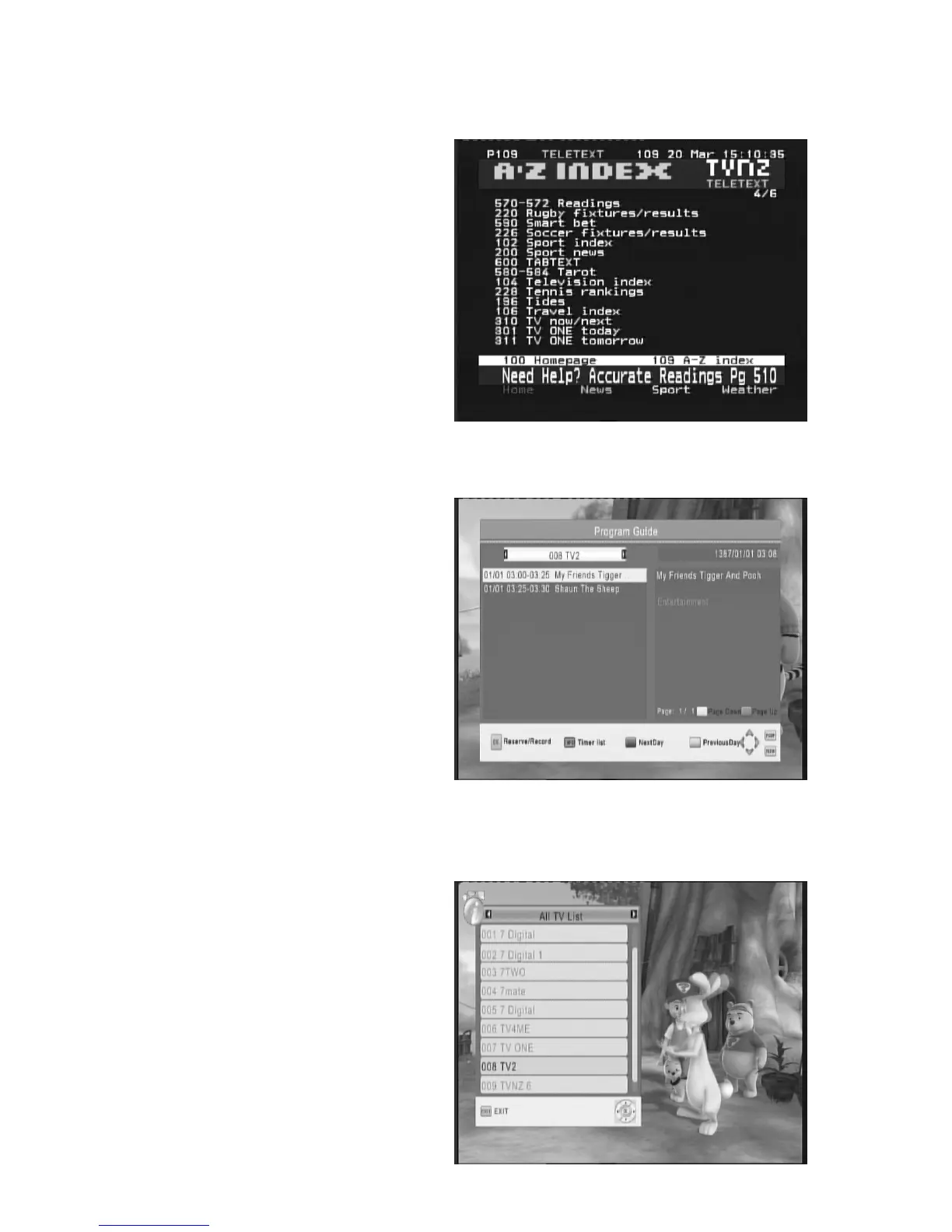
Press TELETEXT key to launch the
TELETEXT window during any TV channels.
The entire TELETEXT with different language
will display on the TELETEXT window.
Note: Teletext services may not be
available in some areas.
6.7 EPG
Press EPG key to display the weekly
Electronic Program Guide. This displays a 7
Day Electronic Program Guide for all
programs being broadcast from all
broadcasters.
1. Top of information is a current date.
2. Press UP/DOWN key to move to the
service.
3. Press OK key to select current service to
Schedule view or recording;
4. Press INFO key to display Schedule
scheme.
5. Press Green key to display the current
Channel previous Day from weekly EPG
information.
6. Press RED key to display the current
Channel Next Day information from
weekly EPG.
Press EXIT key to exit the EPG Menu.
6.8 TV
CHANNEL
AND
RADIO
CHANNEL
LIST
Press OK key to display a list of available TV
and Radio channels. Follow the help
information at the bottom of the window to
select preference channel.



 To Next Page