13
6.9 FAVOURITE
CHANNEL
You can add preferred channels to a
favourite’s channel list on the channel edit
window. Press FAV key to launch your
favorite’s channel list.
i. Press the FAV key to display the
favourite list.
ii. Press the UP/DOWN key to select the
preferred list you want and press the
OK key.
iii. Press the LEFT/RIGHT key to switch
the favourite type
iv. Press the EXIT key to close the
favourite list.
6.10 PVR
FUNCTION
By connecting an external USB disk or USB Hard Drive (sold separately) you can Record, Timeshift
and Playback TV programs. There are 3 types of recording options. They are:
6.10.1 Instant recording
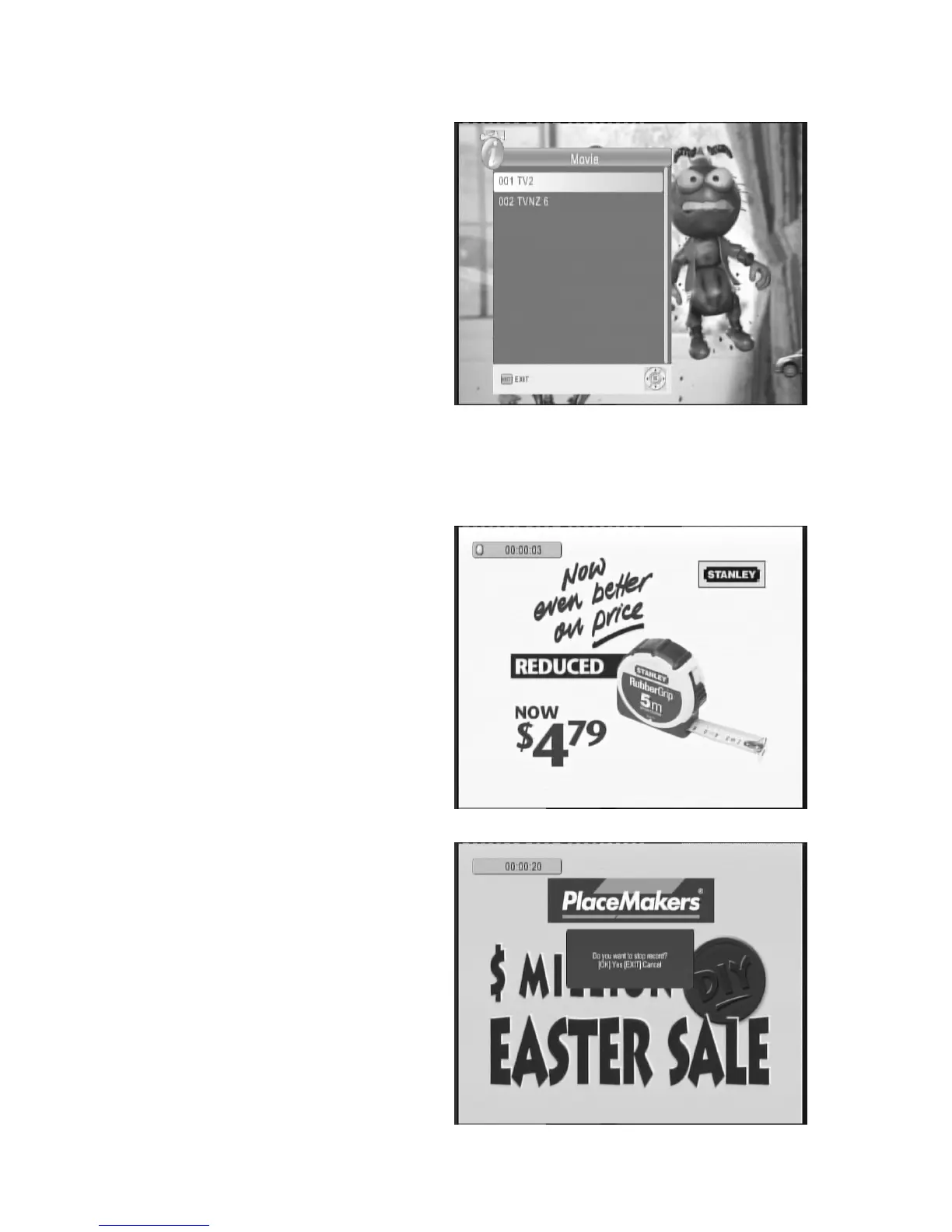
Press the REC. key to start an instant
recording of the current TV program being
viewed. The recording symbol will be
displayed on the top left hand corner of the
screen.
Press INFO. key to get further more
information of instant recording. Press STOP
key to stop instant recording.



 To Next Page