11
6.5 ASPECT
RATIO
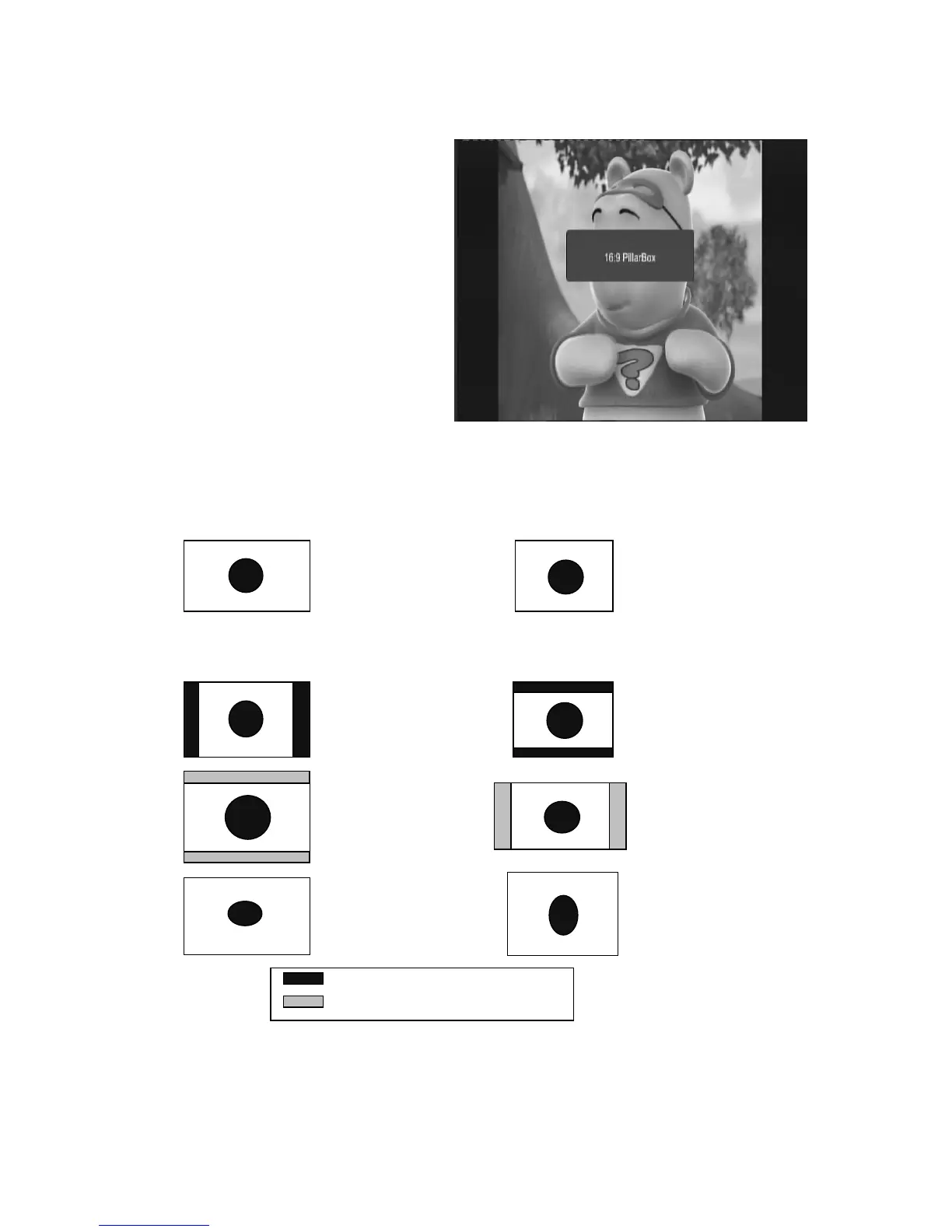
The aspect ratio of the video can be 4:3 (also
know as Anamorphic Image) or 16:9 (also
know as widescreen TV). In order to get
excellent quality on the TV set, press the
ASPECT key to set suitable aspect ratio. The
screenshot of the aspect ratio window is
illustrated.
Here is a description of the aspect ratio conversion mode chosen, the received stream and the user’s
television set aspect ratios.
16:9 Stream on a 16:9 TV 4:3 Stream on a 4:3 TV
4:3 Stream on a 16:9 TV 16:9 Stream on a 4:3 TV
Display black bars
Not display area of the stream
Whatever the mode Whatever the mode
Letter-box Letter-box
Pan and scan Pan and scan
Full Screen
Full Screen



 To Next Page