17
8 UPDATE
THE
RECEIVER
BY
USB2.0
INTERFACE
8.1 COPY
THE
UPDATE
FILE
TO
THE
USB
DRIVE
FROM
PC
1. Please visit our website or contact our customer service to obtain the latest software for updating
your receiver.
2. Plug the USB drive to the PC and backup the entire data of the USB drive. Right click the USB
drive and select Format item. Format the USB drive as FAT32 file system.
3. Copy the update file that name , for example “Flash.bin” to the root of the USB drive. Then
remove the USB drive from the PC.
Warning: The USB interface is for software upgrade of the Receiver only using a USB Flash
Drive with FAT32 file system format. The USB interface could not support the USB Flash drive
that with U3 PRO System. Never connect a portable hard disk to the USB interface of the
Receiver.
8.2 UPDATE
THE
RECEIVER
BY
USB
INTERFACE
1. Plug the USB drive that with the update file to the USB interface of the receiver.
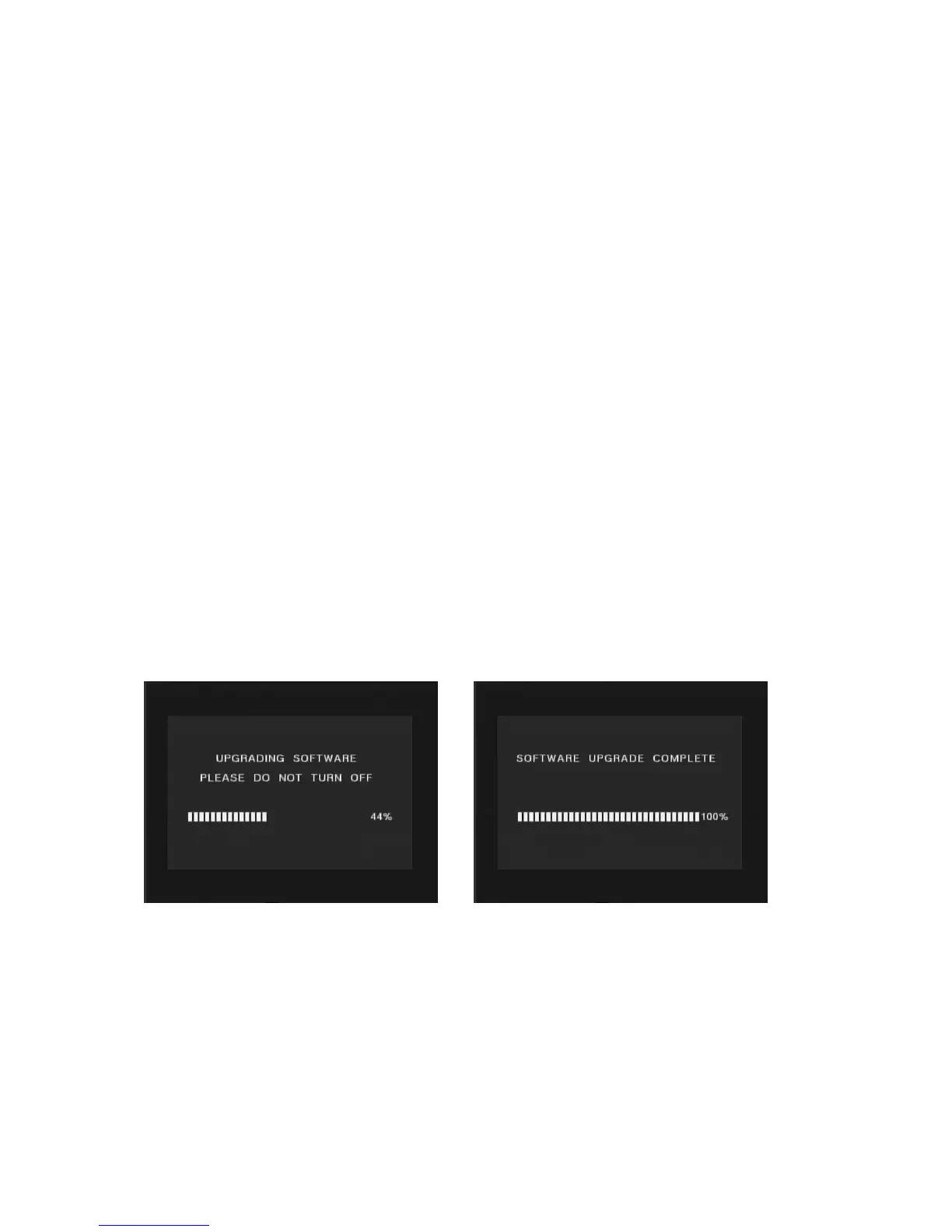
2. Go to main menu and press “666666” to start upgrade process. While the upgrade progress
showing 100% and update finish, remove the USB flash drive and power on the receiver again.
3. Please set the receiver to the factory settings after reboot the receiver
NOTE: Please do not remove the USB drive from the receiver and power off the receiver during
upgrading process. Otherwise the receiver may not work properly.



 To Next Page