18
3 OPERATIONS continued
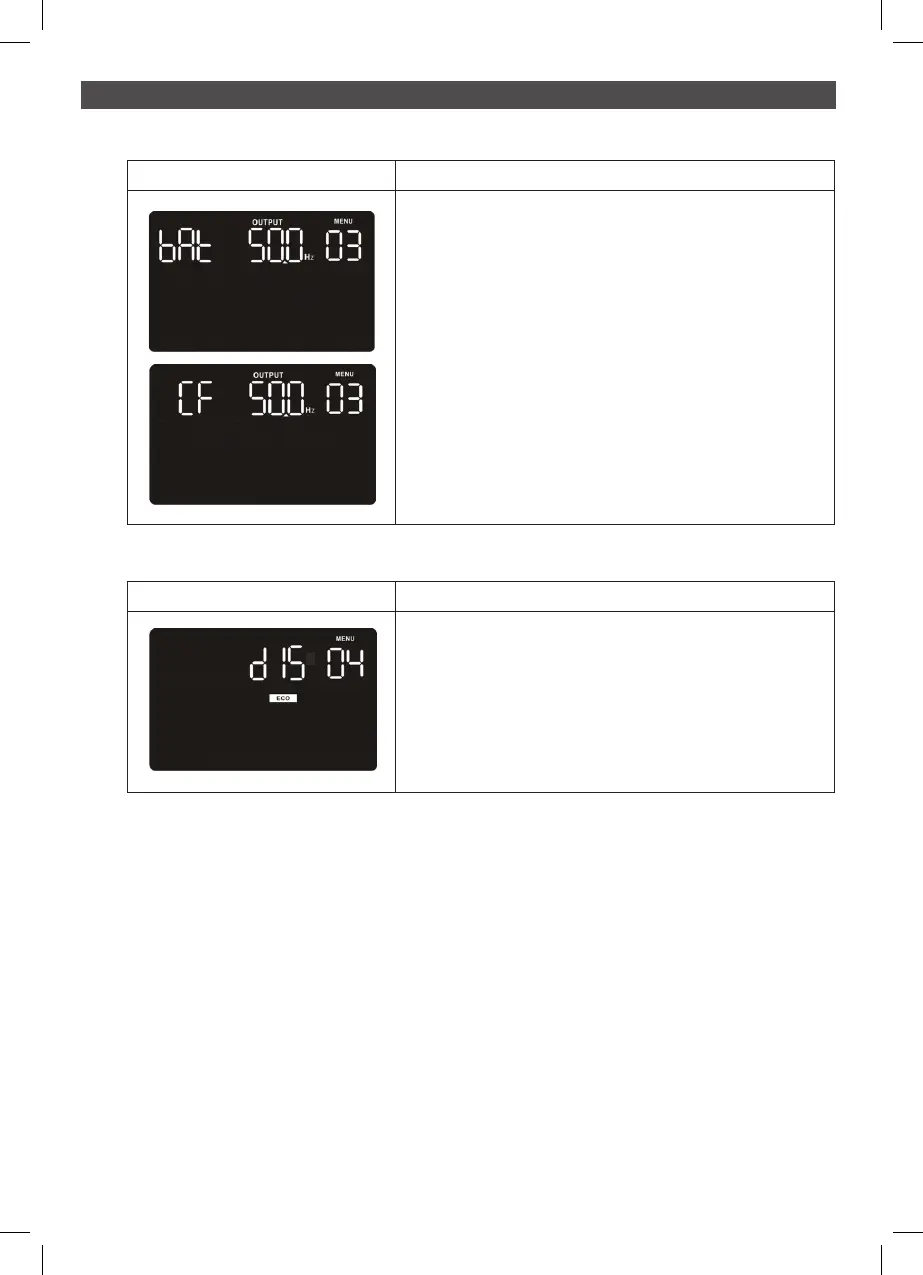
03: Output frequency setting
Interface Setting
The frequency may be set in battery mode:
BAT 50: sets output frequency to 50Hz
BAT 60: sets output frequency to 60Hz
If converter mode is enabled, output frequency can be
selected:
CF 50: sets output frequency to 50Hz
CF 60: sets output frequency to 60Hz
Interface Setting
Parameter 2: Enable or disable ECO function.
You may choose the following two options.
ENA: ECO mode enable
DIS: ECO mode disable (Default)
04: Output frequency setting



 To Next Page