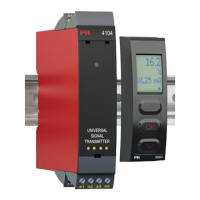
*
48
49
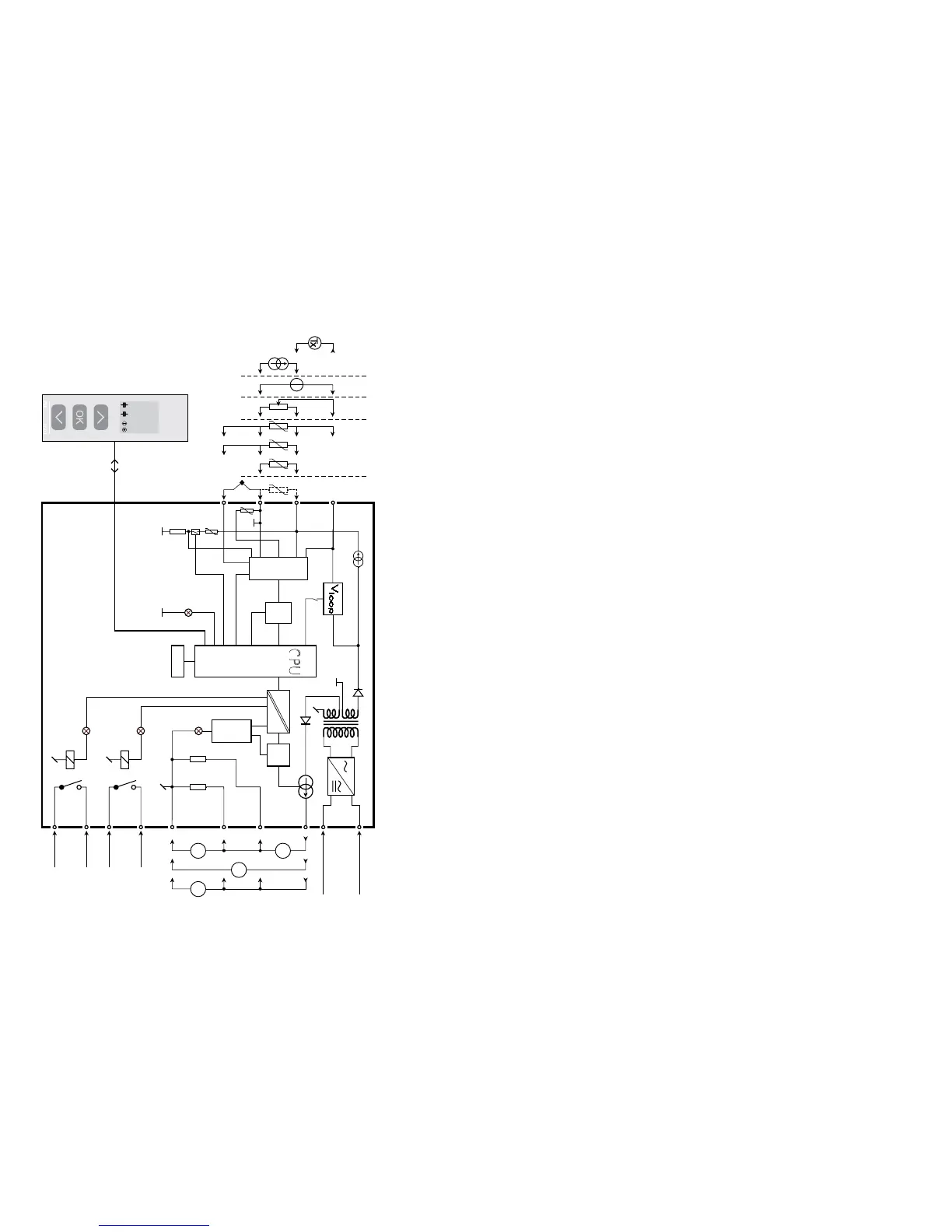
BLOCK DIAGRAM
Potentiome ter
2-wire transmitter
Voltage
Current
RTD og lin.R,
connection,
wires
Supply
Supply
21.6...253 VAC or
19.2...300 VDC
Gnd.
I + V
Out.
I
Out.
V
Out.
TC
Relay 2
Relay 2
Relay 1
Relay 1
Green
Red
Yellow
Yellow
CONFIGURATION /
OPERATING THE FUNCTION KEYS
Documentation for routing diagram.
In general:
When configuring the 4116, you will be guided through all parameters and you
can choose the settings which fit the application. For each menu there is a
scrolling help text which is automatically shown in line 3 on the display.
Configuration is carried out by use of the 3 function keys:
1 will increase the numerical value or choose the next parameter
2will decrease the numerical value or choose the previous parameter
3will accept the chosen value and proceed to the next menu
When configuration is completed, the display will return to the default state 1.0.
Pressing and holding
3 will return to the previous menu or return to the default
state (1.0) without saving the changed values or parameters.
If no key is activated for 1 minute, the display will return to the default state
(1.0) without saving the changed values or parameters.
Further explanations:
Fast setpoint adjustment and relay test: These menus allow you to make a
quick setpoint change and relay test when the FastSet menu is activated.
This function can only be activated when the relays are set for setpoint
function and are controlled by a setpoint.
Pressing
1 and 2 simultaneously will activate a relay test and change the
state of the relay.
Pressing
3 will save the setpoint change.
Holding down
3 for more than 1 second will return the unit to the default state
without saving the setpoint change.
Password protection: Programming access can be blocked by assigning a
password. The password is saved in the transmitter in order to ensure a high
degree of protection against unauthorised modifications to the configuration.
Default password 2008 allows access to all configuration menus.
Order separately: CJC connector 5910


 To Next Page