28
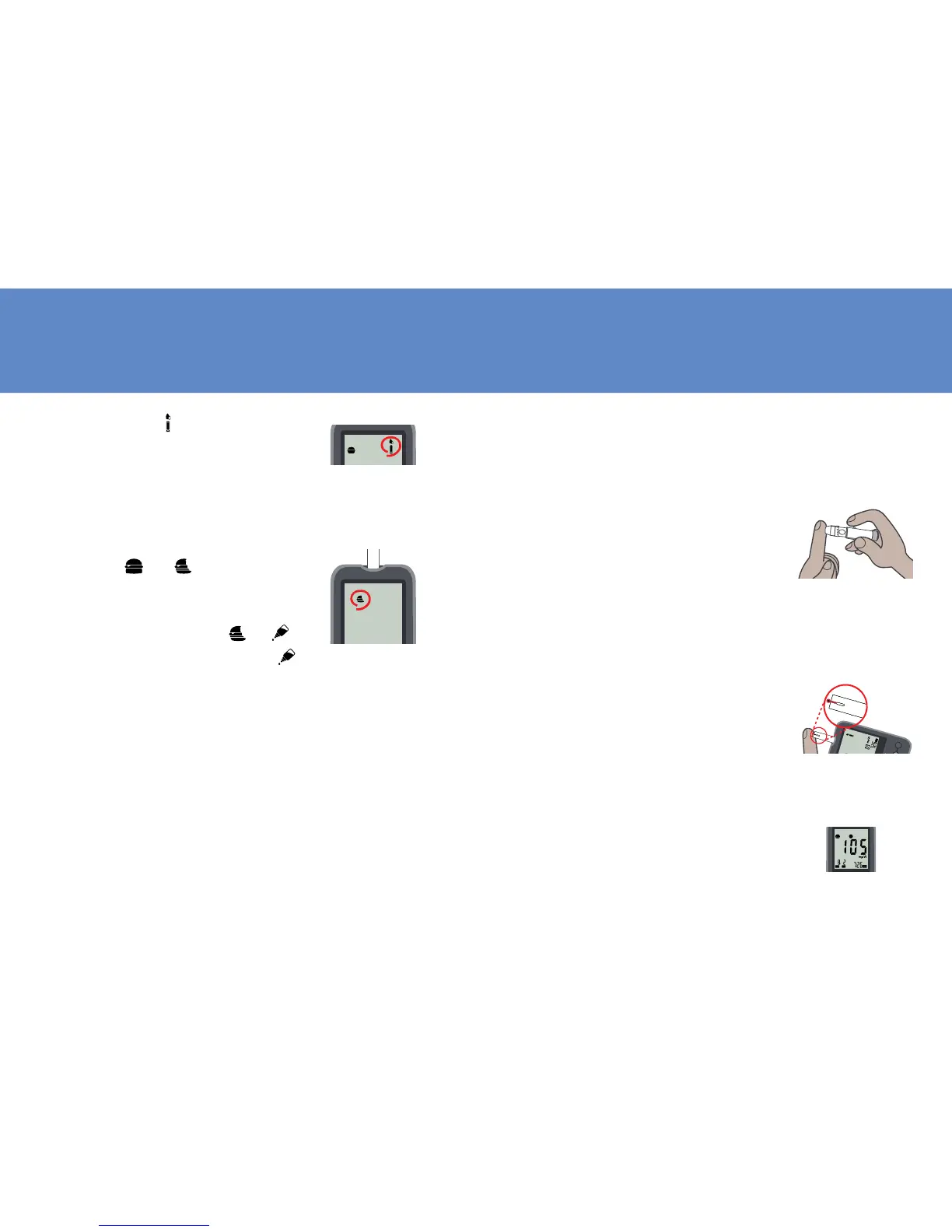
4. When the symbol flashes,
you are ready to perform a
test.
5. If the test is done within 2
hours of meal, press Set but-
ton to change the setting
from
to . If the test is
a control solution test, press
Set button again to change
the setting from PC
to .
NOTE: IF A TEST IS SET FOR “ ”,
THE RESULT WILL NOT BE CALCU-
LATED INTO AVERAGES.
29
6. Hold the prepared lancing
device rmly against the side
of your finger. Press the re-
lease button. Gently massage
your finger to obtain the
required blood volume. To
perform the test, you need
only 0.5uL of blood sample
resting on your nger.
NOTE: FOR LANCING DEVICE SET-
TING, PLEASE REFER TO SECTION
“SET LANCING DEVICE“.
7. Apply the blood sample to
the front aperture of test
strip in a way that is comfort-
able for you. Make sure that
the blood drop has saturated
the blood reaction zone.



 To Next Page