CONTROLS AND CONNECTIONS
30 | PreSonus 2008
3.2.2 MSR Settings
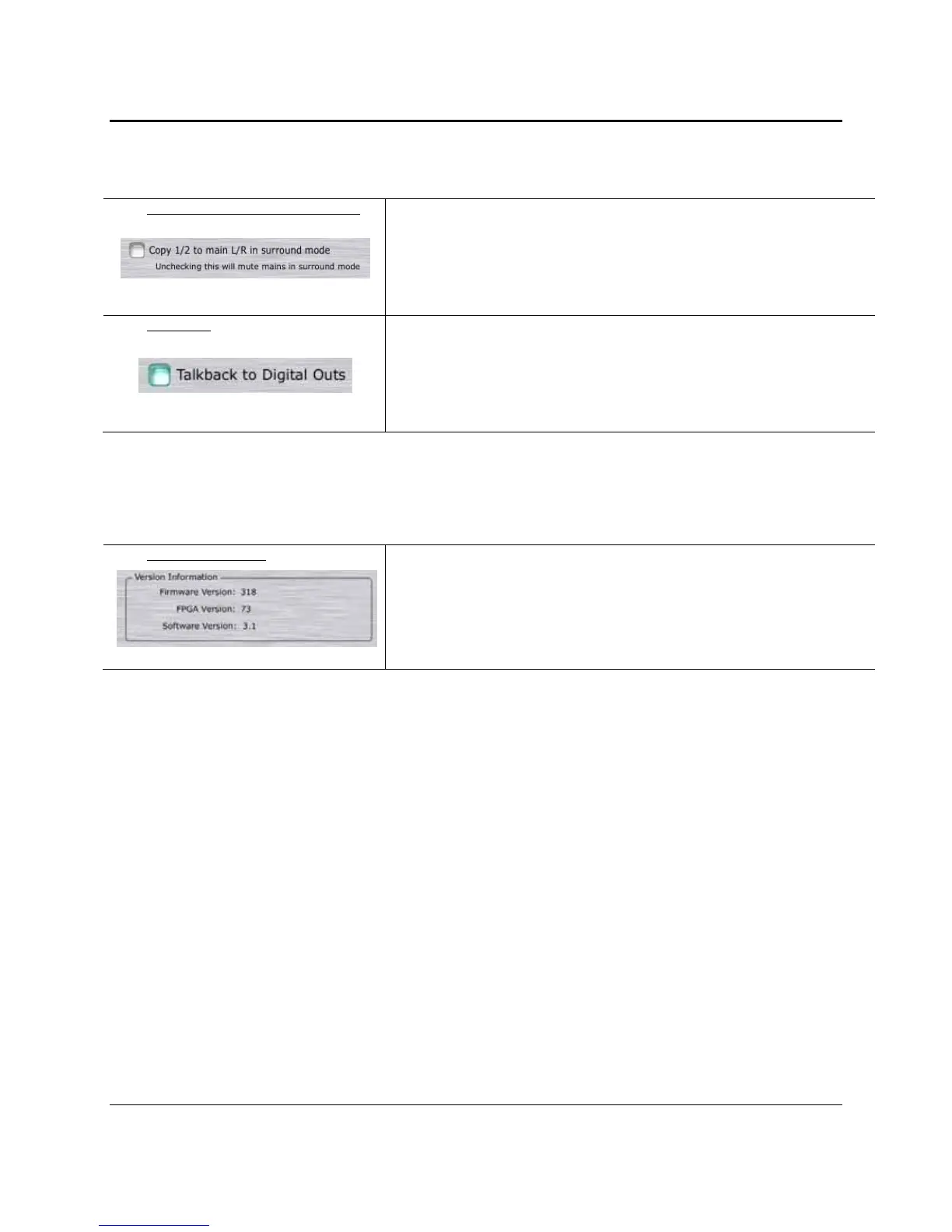
Copy 1/2 to Mains in surround mode Allows you to use mute or enable your Main monitors in surround mode
Enabling this feature allows you to use the monitors connected to Main L/R as
your front left/right pair in surround mode without having to recable anything. If
you use a different set of monitors for stereo mixing, disabling this feature will
automatically mute them when you switch into surround mode
Quickroute Sends the talkback mic to all available outputs on the FireStudio
When this feature is enabled, the talkback mic on the MSR will be routed to the
SPDIF and ADAT outputs (ADAT 1 output only in 44.1kHz and 48kHz). If you
are using your digital outputs for something other than additional monitoring,
you should disable this feature.
3.2.3 Version information
Version Information Displays information about your FireStudio
This section displays the current Firmware and FPGA version of your FireStudio
as well as the version number of the FireStudio Control Console application.















 To Next Page