OPERATION
7 | PreSonus 2008
2.1 QUICK START UP
2.1.1 Installation in Microsoft Windows
After inserting the Installation CD into your CD-ROM drive, the FireStudio installer will take you through
each step of the installation process. Please read each message carefully – ensuring especially that you do
not connect your FireStudio early.
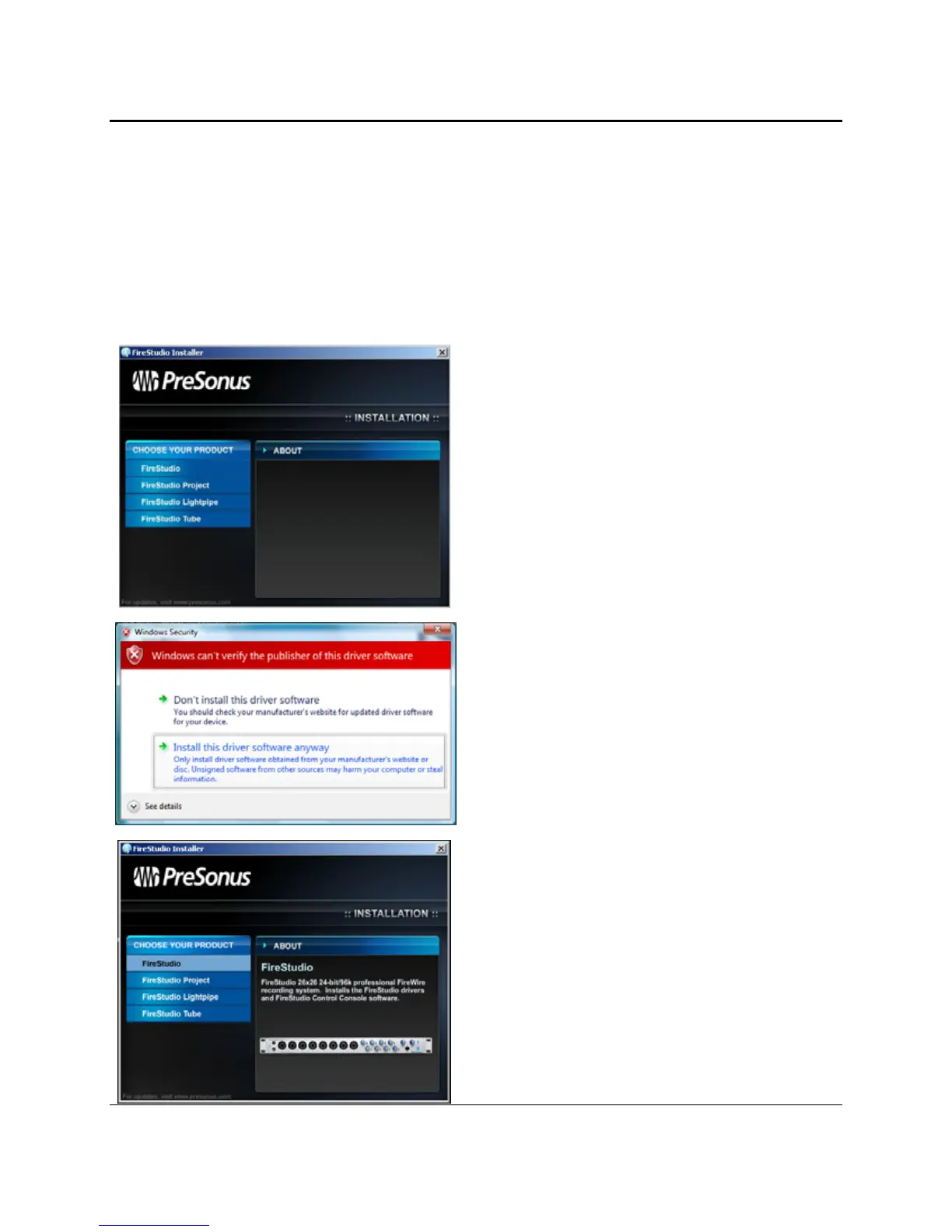
1) The FireStudio Installer was written to be as
simple and easy-to-follow as possible. Please
read each message carefully to ensure the
FireStudio is properly installed.
Before continuing the FireStudio Installation
Setup, please close all multimedia applications
and disconnect your FireStudio from your
computer.
2) If you see any Windows Security alerts, click
“Install this driver software anyway” (Vista) or
“Continue anyway” (XP).
3) This installer can be used for the entire
FireStudio family of interface products. Select
“FireStudio” from the menu on the left of the
installer window















 To Next Page