CONTROLS AND CONNECTIONS
32 | PreSonus 2008
3.3.1 Inputs and Playback Stream Routing
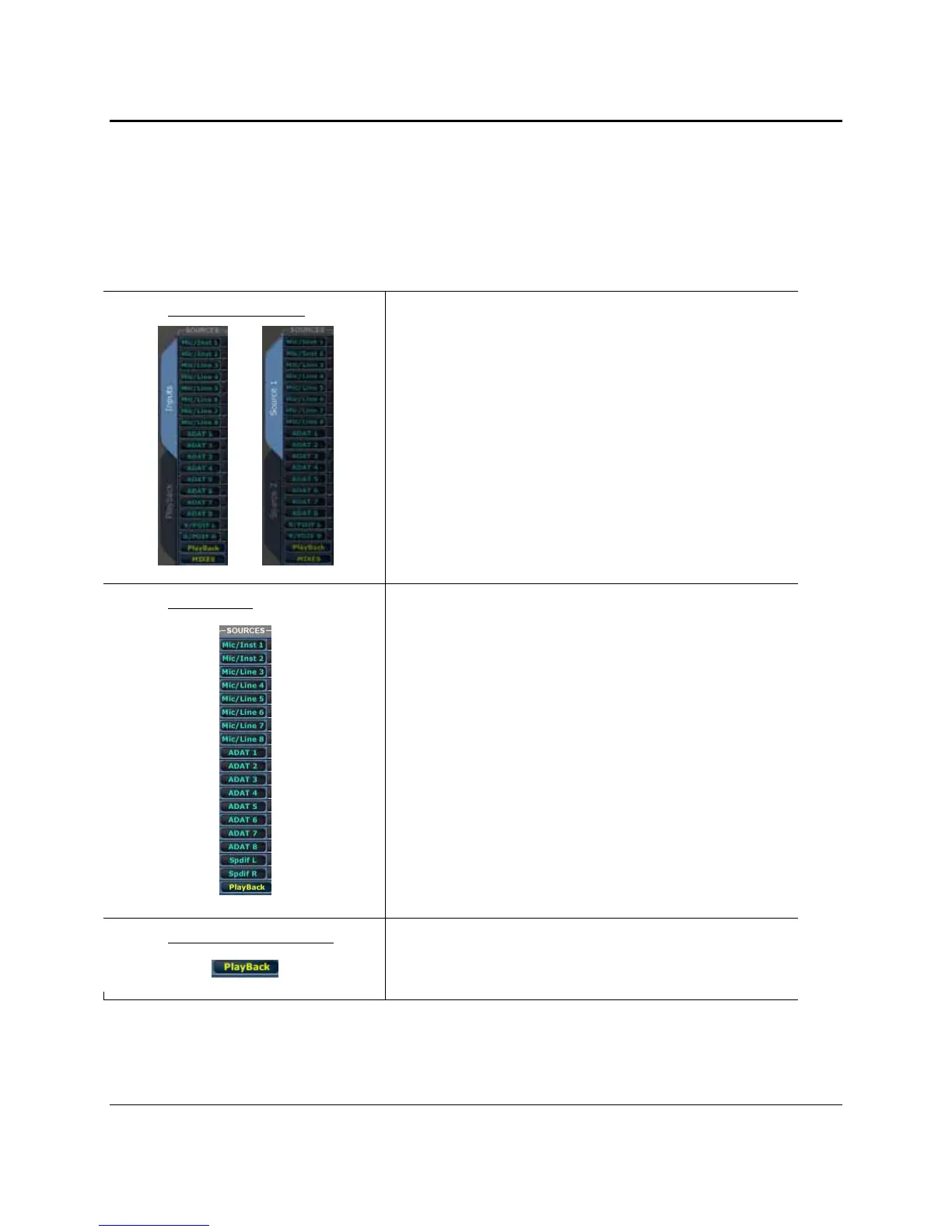
Along the left side of the router matrix, there are two tabs: “Inputs” and “Playback”. When the Inputs tab
is selected, the matrix will show any inputs that have been routed. When the Playback tab is selected, you
can view your playback streams or virtual DAW outputs in the Router Matrix. The Router Matrix patches
the selected input or playback stream directly to the specified output.
Inputs / Source 1 tab
Selecting this tab will allow your to view your Analog, ADAT 1 and
SPDIF inputs in the router matrix.
If you are in Expanded Mix Mode, this tab will be named “Source
1”
OR
Input Source
When the Inputs tab is selected, you will see a list of your physical
inputs (Mic/Inst 1, Mic/Inst 2, etc). Clicking on any box in the row
next to each input will assign it to the output at the bottom of that
column
Playback Source Viewer
If you assign a playback stream to an output on the Playback or
Source 2 tab, this routing will be shown in the row directly above
that output.















 To Next Page