APS25Z_RevA_08/18
5
Detailed Descripons: Setup Opons
Bank 1: Add / Remove Remote Controls
To Auto Program a remote control:
1. Turn the ignion key to ON.
2. Press and release the valet/override buon three (3) mes.
3. The system will beep one (1) me, indicang you have accessed Bank 1, Remote Programming.
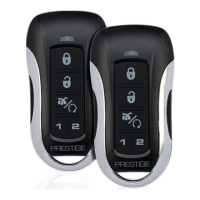
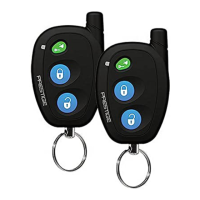
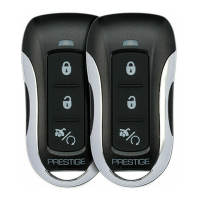
4. Press the Lock buon of each remote control you wish to program. (Channels 1-3 of the remote control will be
programmed.) The system will beep one (1) me when each remote control is added.
5. Turn the ignion key to OFF to exit programming mode, or cycle the ignion key OFF/ON to advance to the next
Feature Bank.
To delete a remote control:
This system will store a maximum of four (4) remote controls in the memory. Addional programmed remote controls
will delete the oldest-programmed remote control.
Deleng All Remotes:
1. Perform steps 1-3 above.
2. Press and Hold the Valet/Override Buon for ve (5) seconds.
3. The system will sound one (1) long beep. This indicates all remotes have been deleted from memory.
Notes:
• The system will store in the memory a maximum of four (4) remote controls. Addional programmed
remote controls will delete the oldest-programmed remote control.
• The system will accept a maximum of two (2) 2-Way remote controls.
• During normal operaon, the Programmed Transmier Nocaon (PTN) funcon indicates how many
remote controls are programmed by ashing the LED a certain number of mes when the vehicle ignion is
turned on.
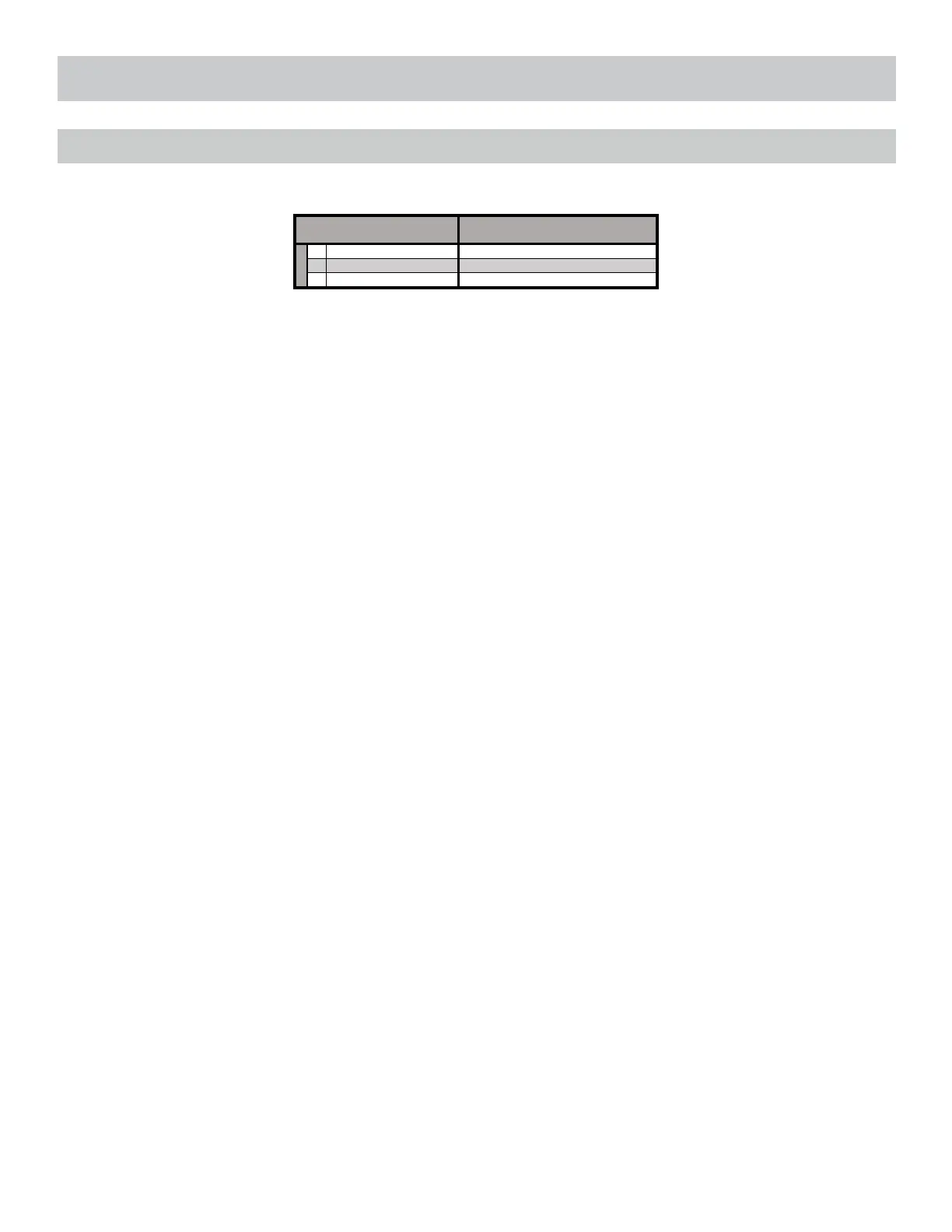
Remote programming is located in Feature Bank 1. This system will Auto Program basic funcons of the remote with one
(1) buon press. Basic funcons are channels 1-3, Lock, Unlock, and Trunk / Start.
1 Auto Program/Lock
2 Unlock
Feature Bank 1 Description
Press Lock button on remote
Press Unlock button on remote
Press Start button on remote



 To Next Page