12
DVD30 UNIVERSAL DISC PLAYER
ADVANCED FEATURES
Displaying disc information
DVD - Video CD - SACD - CD
Various track, chapter and title information, as well as the
video transmission rate for DVD discs, can be displayed
on-screen while a disc is playing, or while it’s stopped.
Memorizing disc settings
DVD-Video
If you have a particular set of preferences for a disc, you
can memorize them using the Condition Memory
function. Once memorized, your settings will be recalled
automatically whenever you load that disc. The player can
store settings for 15 discs; after this, memorizing another
replaces the oldest one stored.
Condition Memory does not work with DVD-Audio and
DVD-RW discs.
The settings memorized are:
–Multi-Angle (page 10)
–Subtitle Language (page 10)
–Audio Language (page 10)
–On Screen Display (page 27)
–Video Adjust (page 25)
–Parental Lock level (page 30-31)
•To memorize settings for the current disc, press MEM
during playback.
•To recall memorized settings, just load the disc.
The display shows COND_MEM and ‘Condition
Memory’ appears on-screen.
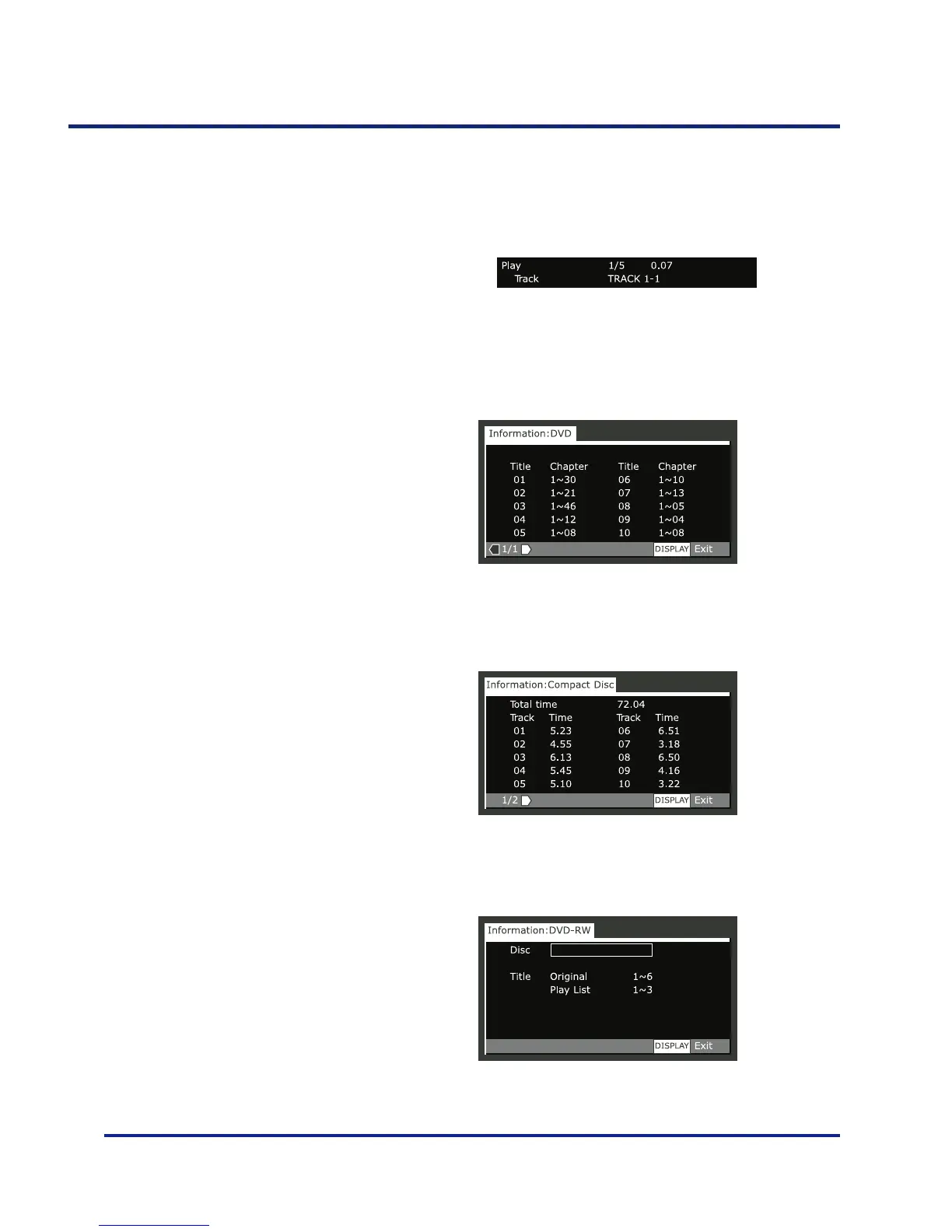
•To show/switch the information displayed, press DISP.
When a disc is playing, the information appears at the
top of the screen. Keep pressing DISP to change the
displayed information.
When a disc is stopped, all title/chapter, or track informa-
tion for the disc loaded appears on-screen. Press DISP
again to exit the screen.
DVD-Video
Video-CD - CD
DVD-RW
Titles and number of chapters in each title
Total playing time of disc, tracks and track times
Disc name (if programmed) and number of titles in the
Original recording and the Play List.



 To Next Page