15
DVD30 UNIVERSAL DISC PLAYER
SETTINGS IN THE GENERAL MENU
This chapter explains the necessary basic settings
of the DVD30 player in the General menu
including the Setup Navigator.
Using the Setup Navigator
Before playing any discs, we strongly recommend using
the Setup Navigator. This makes all the basic DVD player
settings for you.
•Press the button to switch on.
Also turn on your TV and make sure that it is set to the
correct video input.
– The button switches the player between standby
and on.
–If a disc that’s already loaded starts to play, press
to stop it.
•Press SETUP.
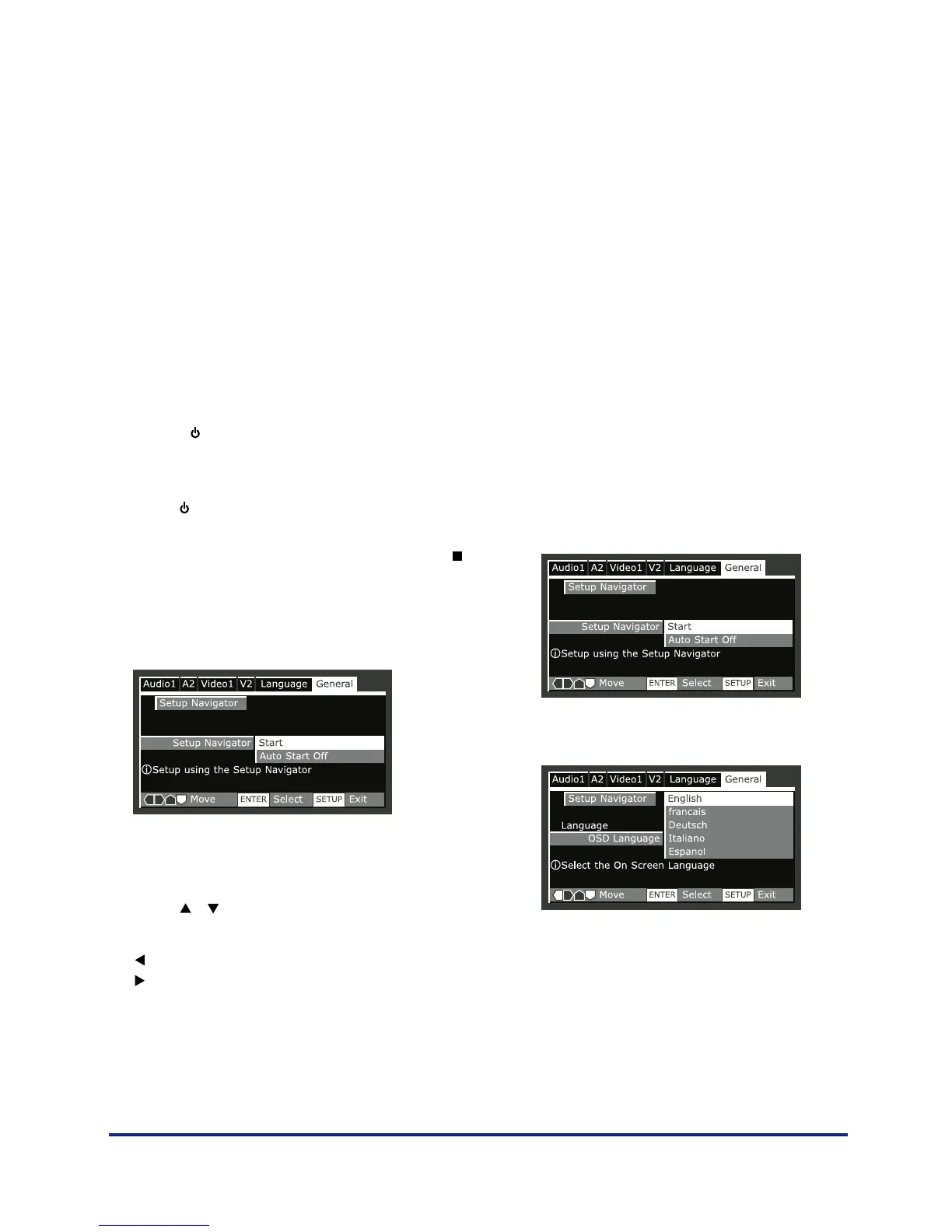
The Setup Navigator on-screen display (OSD) appears:
Navigate all of the following OSDs using these controls:
Selection Option
Pressing the
or
buttons cursor up/down
ENTER select the highlighted menu option
The
button go back to the previous question.
The
button go forward to the next question.
The control possibilities for the current OSD are shown at
the bottom of each screen.
The player automatically takes you to the setup navigator
the first time you press setup on the remote. After first
setup, you will always come back to where you left the
setup menu.
Setup Navigator
•Select ‘Start’.
• Choose an OSD menu language.



 To Next Page