13
DVD30 UNIVERSAL DISC PLAYER
Navigating a disc
DVD - Video CD - SACD - CD
You can directly access any point on a disc using one of
the search modes. Use these search modes while a disc is
playing, or when it’s stopped. Playback jumps to the point
specified.
•Press GOTO repeatedly to choose between:
–Title/Group search (DVD only)
– Chapter/Track search
–Page search (DVD-Audio discs with browsable
pictures only)
–Time search (DVD-Video and Video CD only)
–Frame &Time search (DVD-Video only)
(The Frame Search option in the Video1 menu must
be ’On’ to use this) (page 24).
•Off
ADVANCED FEATURES
DVD-Audio
SACD
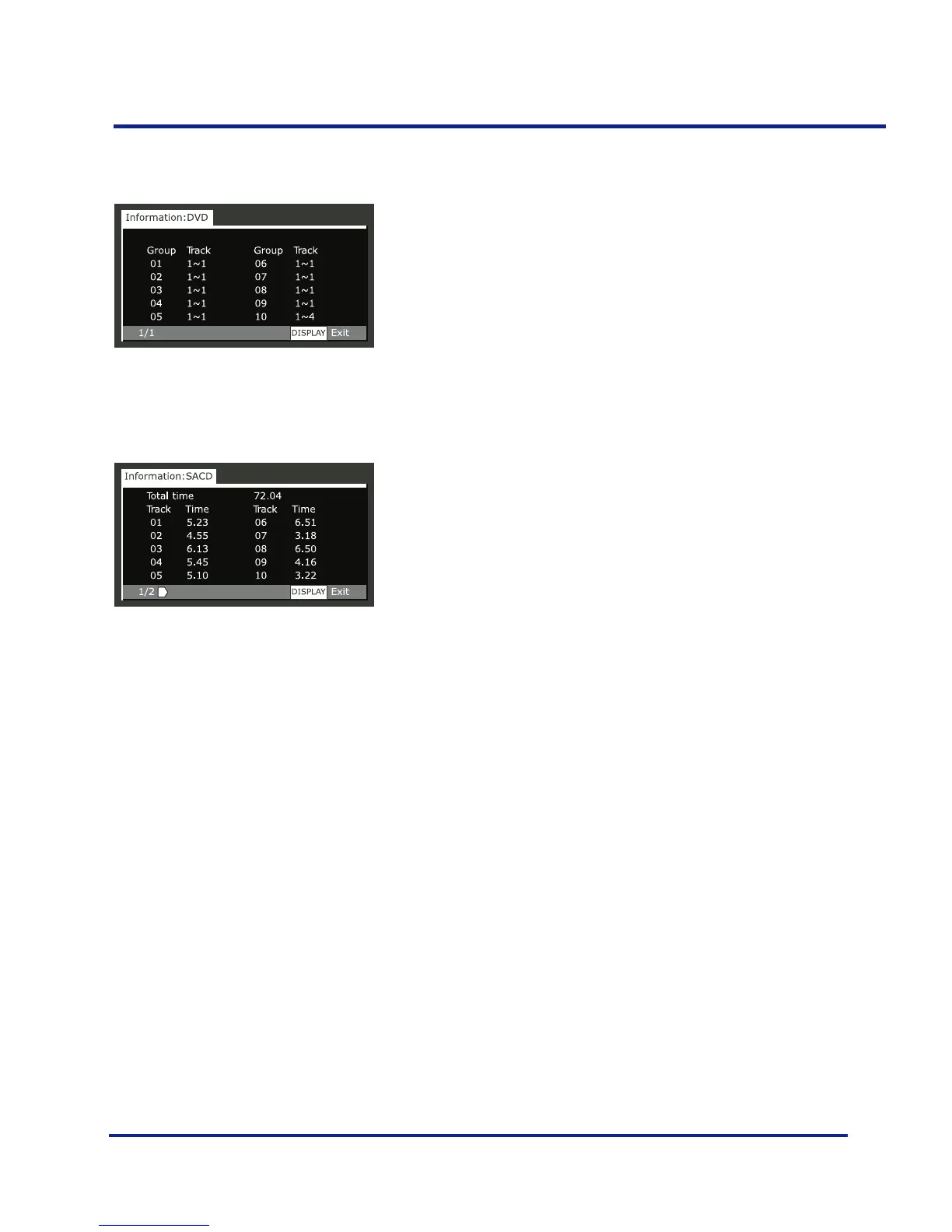
Groups and number of tracks in each group
Total playing time of disc, tracks and track times



 To Next Page