31
DVD30 UNIVERSAL DISC PLAYER
SETUP MENUS
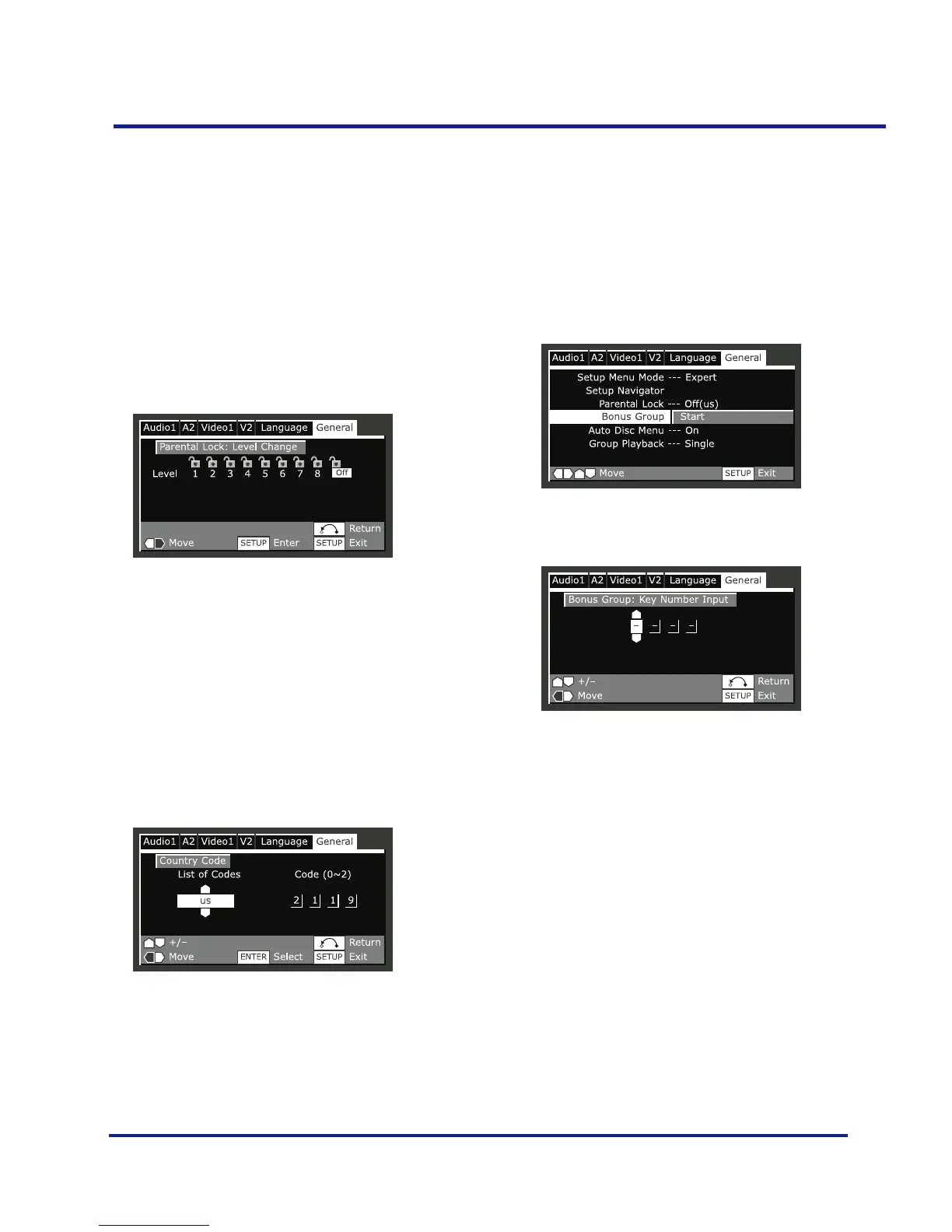
Setting/changing the Parental
Lock level
•Select ‘Level’.
•Use number buttons to enter your password, then press
SELECT.
•Select a new level.
–Move leftward to lock more levels (more discs will
require the password); rightward to unlock levels.
You can’t lock level 1.
•Press SELECT to set the new level.
Setting/changing the Country Code
•Select ‘Country Code’.
•Use number buttons to enter your password, then press
SELECT.
•Select a country code.
You can select the country code by letter or number.
•Press SELECT to set the new Country Code.
Bonus Group - EXPERT
Some DVD-Audio discs have an extra ‘bonus’ group that
requires a 4-digit key number to access. See the disc
packaging for details and the key number. When you try
and play the bonus group, the key number input screen
will automatically appear, although it is also available from
the ‘General menu’. Input the number and press SELECT.
•Press SELECT twice.



 To Next Page