32
DVD30 UNIVERSAL DISC PLAYER
SETUP MENUS
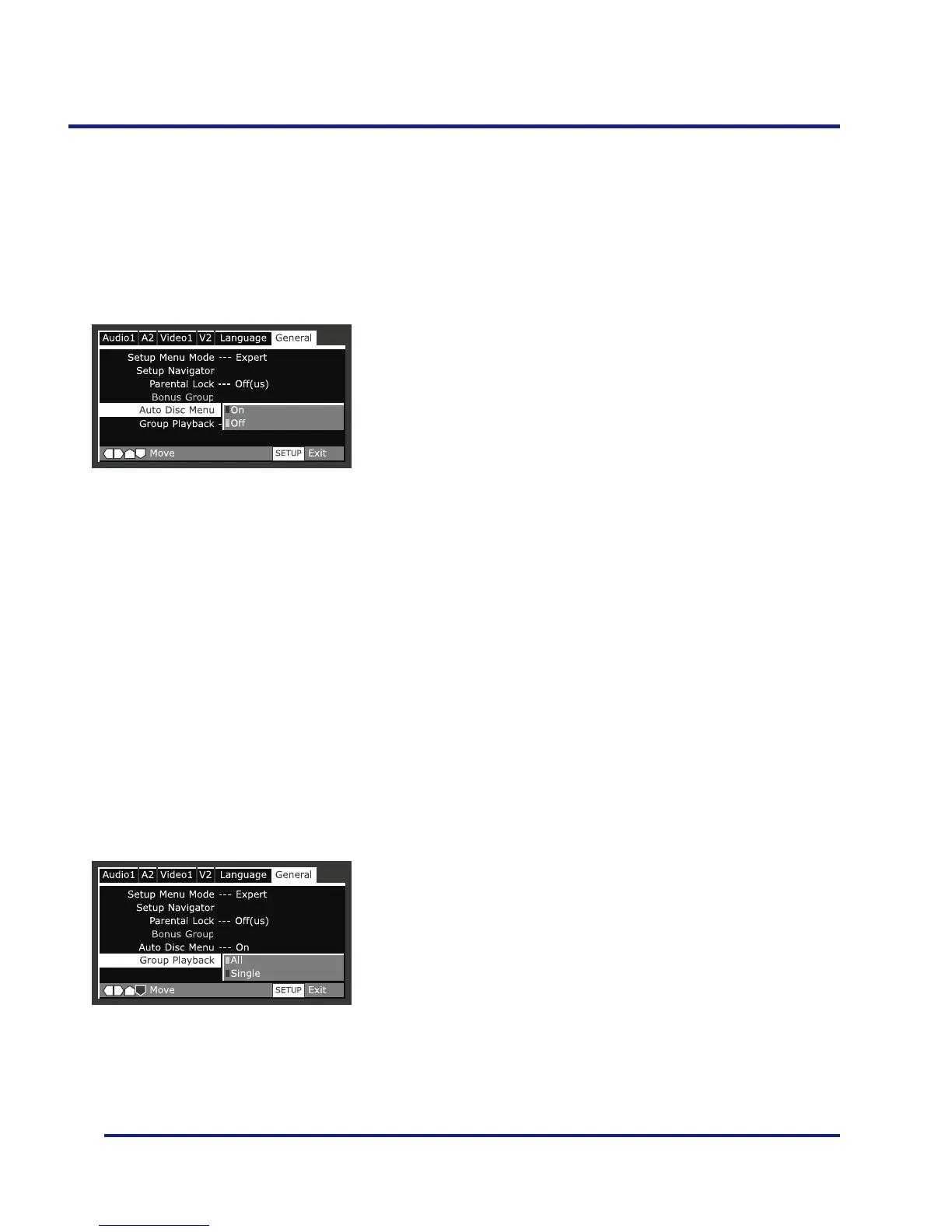
Group Playback - EXPERT
•Default setting: Single
DVD-Audio discs can have up to 9 groups of tracks.
When set to ‘Single’, the selected group plays and then the
disc stops, or returns to the menu screen. Use Group
Search (page 13) to select the group to play. (You cannot
use the skip or scan buttons in this mode.)
Set to ‘All’ if you want to play all the groups on a disc
consecutively.
Even if the players is set to ‘All’ but you select a group to
play from the disc menu, only that group will play. If you
stop playback, all groups will play again when you restart
playback.
Auto Disc Menu - EXPERT
•Default setting: On
This specifies whether the menu (Top menu) is automati-
cally displayed after loading a disc. Set to ‘On’ if you want
the menu displayed automatically, or ‘Off’ if you don’t
want it displayed.



 To Next Page