Hardware and Software Setup 11
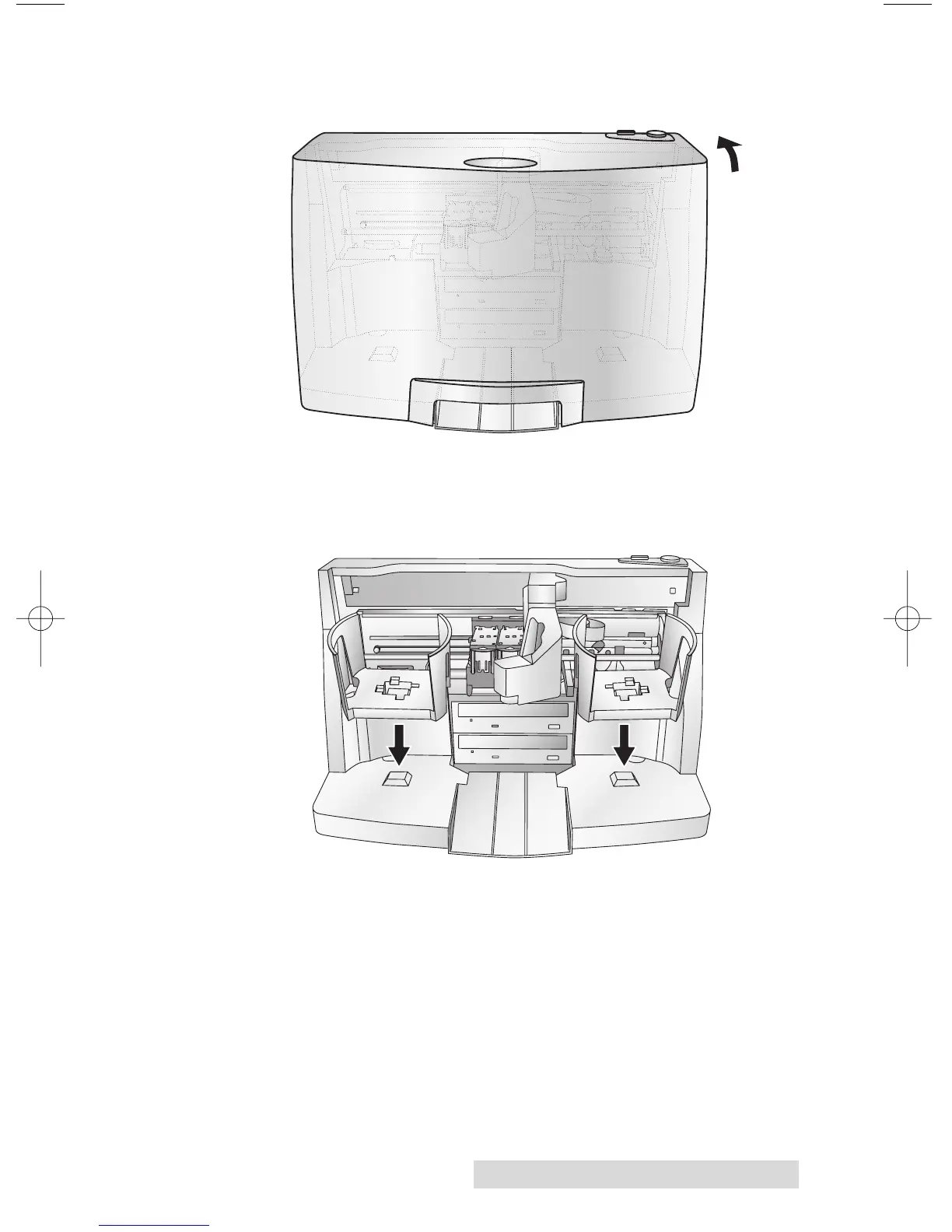
• Open the front cover of the Publisher
• The Publisher will automatically position the cartridge
carrier and Robotic Disc Transporter to the center position
allowing for easy access to the bins.
• Load the Input Bin (the bin located on the right-hand side
of the Publisher) with 50 blank discs and place the bins on
the mounting pegs.














 To Next Page