Maintenance and Troubleshooting 55
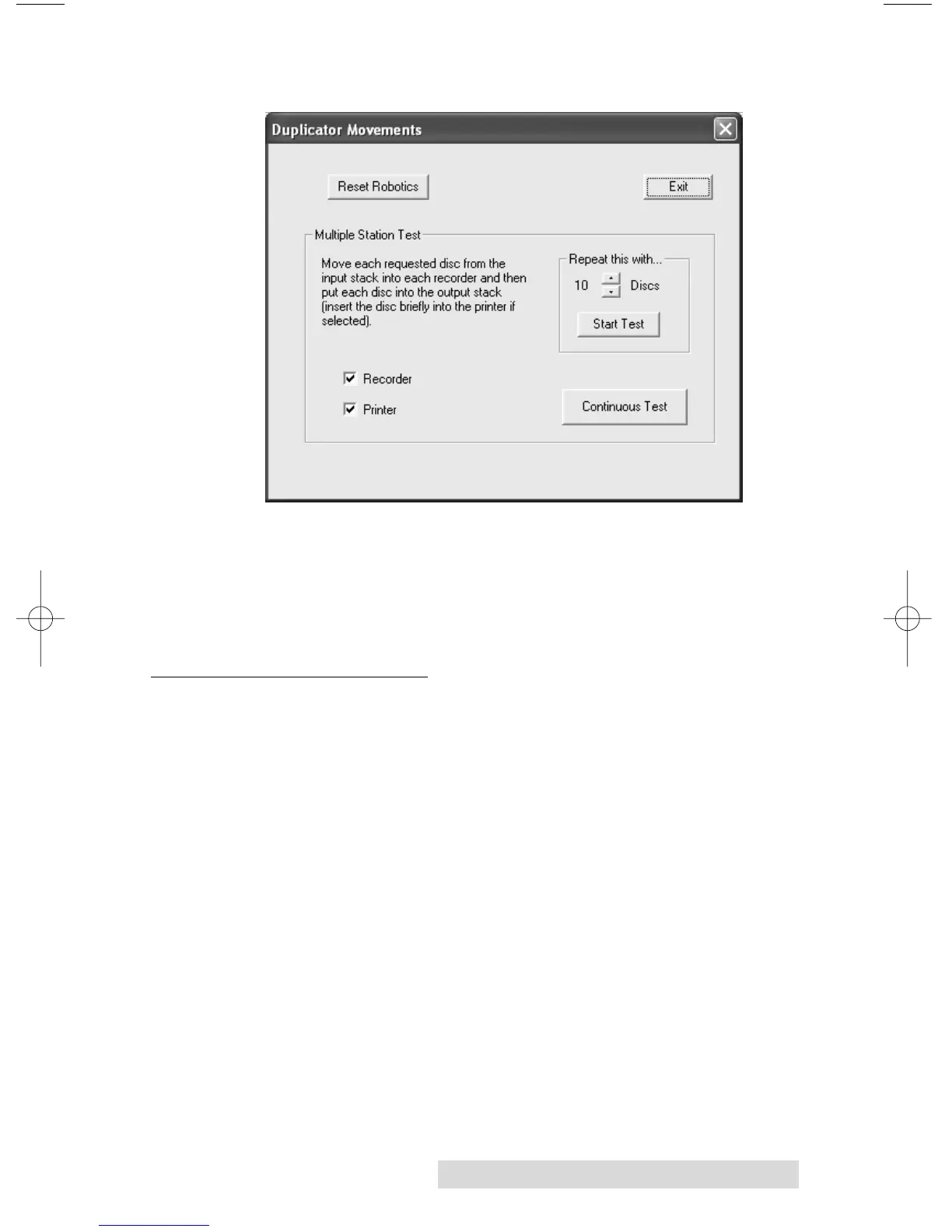
7. Select Manual Movements.
8. Load at least 4-5 discs into the Input Bin.
9. Click on Start Test. The robotic arm will move through its
entire sequence automatically. If you specified more than
one disc, it will continue until the number you specified is
completed or it runs out of discs.
D. MAC SOFTWARE TEST
This will confirm that the hardware, software, and your
computer are all communicating properly. To perform a
software test please do the following:
1. Launch Discribe.
2. Click one of the options from the quick-launch menu
(i.e. Data CD).
3. Select Test Robotics from the Utilities Menu.
4. Click the Test Robot button.
5. You can select where you want discs to go during the test
and the number of times to repeat the test. Click Start. The
Publisher will perform your test.














 To Next Page